Limited mobility changes what "aging in place technology" actually needs to do. A tablet with twelve icons or a smart speaker that requires memorizing wake commands doesn't help someone who struggles to stand, reach, or grip a stylus. This guide breaks down what actually works for aging in place technology for limited mobility, what to skip, and which categories earn a real verdict.
- Aging in place technology for limited mobility works best when it's screen-free and voice-first, like Ato at $179.
- Skip touchscreen tablets and app-based hubs for anyone with arthritis or limited fine motor control.
- Fall detection pendants and voice-controlled smart home devices are the two non-negotiable layers in 2026.
- Camera-based monitoring trades dignity for convenience -- most families should avoid it.
- Post-hospital recovery is the highest-value window for adding a reminder and check-in device.
Why this matters
The CDC has long tracked unintentional falls as the leading cause of injury among adults 65 and older, and that risk compounds fast once mobility is already limited. A person who can't easily get up to answer a phone, adjust a thermostat, or reach a charging cable isn't just inconvenienced -- they're more isolated and more exposed.
Most "senior tech" on the market in 2026 is still built for the 70-year-old who's comfortable with a smartphone, not the 82-year-old managing a walker and arthritic hands. That gap is exactly where the wrong purchase happens: a well-meaning family buys a tablet that ends up unused in a drawer within three months.
Who this is for
This guide is for adult children and caregivers shopping for a parent or relative who has real physical limitations -- reduced grip strength, difficulty standing, recovery from surgery, or a condition like arthritis or Parkinson's that makes screens and small buttons a daily obstacle. If the person you're supporting also lives alone, isolation and safety usually matter as much as the mobility issue itself, which is a common overlap in ai companion for widowed seniors living alone situations. The goal isn't to add more devices -- it's to remove friction from the ones that actually get used.
What to look for in aging in place technology for limited mobility
Screen-free or near screen-free interaction
Arthritis, tremors, and reduced dexterity make tapping small icons genuinely painful, not just annoying. A device that responds to natural speech instead of taps removes that barrier entirely, which is why voice-first design matters more here than in general senior tech.
No app or account setup required
Many limited-mobility households already have a caregiver managing medications, appointments, and mobility aids -- adding an app to configure and maintain is one more failure point. Devices that work out of the box, plugged in and talking within minutes, survive in real homes; the ones requiring a smartphone pairing step usually don't.
Hands-free operation from a seated or reclined position
Someone who can't easily get up shouldn't have to walk across a room to press a button. Voice control that works from a chair or bed is the difference between a device someone actually uses daily and one that becomes background furniture.
Built-in safety or check-in layer
Fall risk and limited mobility go together, so any technology stack needs at least one component built around detecting or reporting a problem. This doesn't have to be dramatic -- a simple daily voice check-in can flag when something's off long before a formal alert system would.
Reliable connectivity that doesn't depend on the user
A device that needs Wi-Fi troubleshooting or a router reset is a device that fails exactly when a caregiver isn't there to fix it. Look for setups that stay connected without ongoing management from the person using it.
Works without a smartphone in the house
A meaningful share of people with limited mobility, especially those over 80, never adopted smartphones or have stopped using them as vision and dexterity declined. Technology built for this reality -- see voice-first companion for seniors who don't use smartphones -- avoids the assumption that a phone is sitting nearby to manage settings.
Top picks for limited mobility in 2026
Voice-first AI companions -- the safe pick
Ato is a screen-free, voice-first AI companion priced at $179 that runs on natural conversation instead of apps or menus. The one spec that matters here: no screen, no app, no login -- plug it in and talk. For someone who can't reliably operate a touchscreen, that single design choice removes the biggest reason senior tech gets abandoned. Verdict: Buy for any household where dexterity or vision makes screens a daily struggle. See how Ato works.
Medical alert and fall detection pendants -- the essential layer
Wearable alert buttons with automatic fall detection remain the most tested safety layer for limited mobility, precisely because they don't rely on the person remembering to act. The tradeoff is that most require daily wear and periodic charging, which itself can be a barrier for someone with reduced dexterity. Verdict: Buy as a baseline safety net, paired with a voice-based check-in system rather than as a standalone solution.
Smart home voice controls -- the convenience layer
Voice-controlled lights, thermostats, and door locks cut down on the number of times someone with limited mobility has to get up during the day. The catch: most require a hub and an app to configure, which shifts setup burden onto whoever's helping manage the home. Verdict: Consider once a caregiver is available to handle initial setup -- not a first purchase for a household managing this alone.
Video calling and connection devices -- the connection bridge
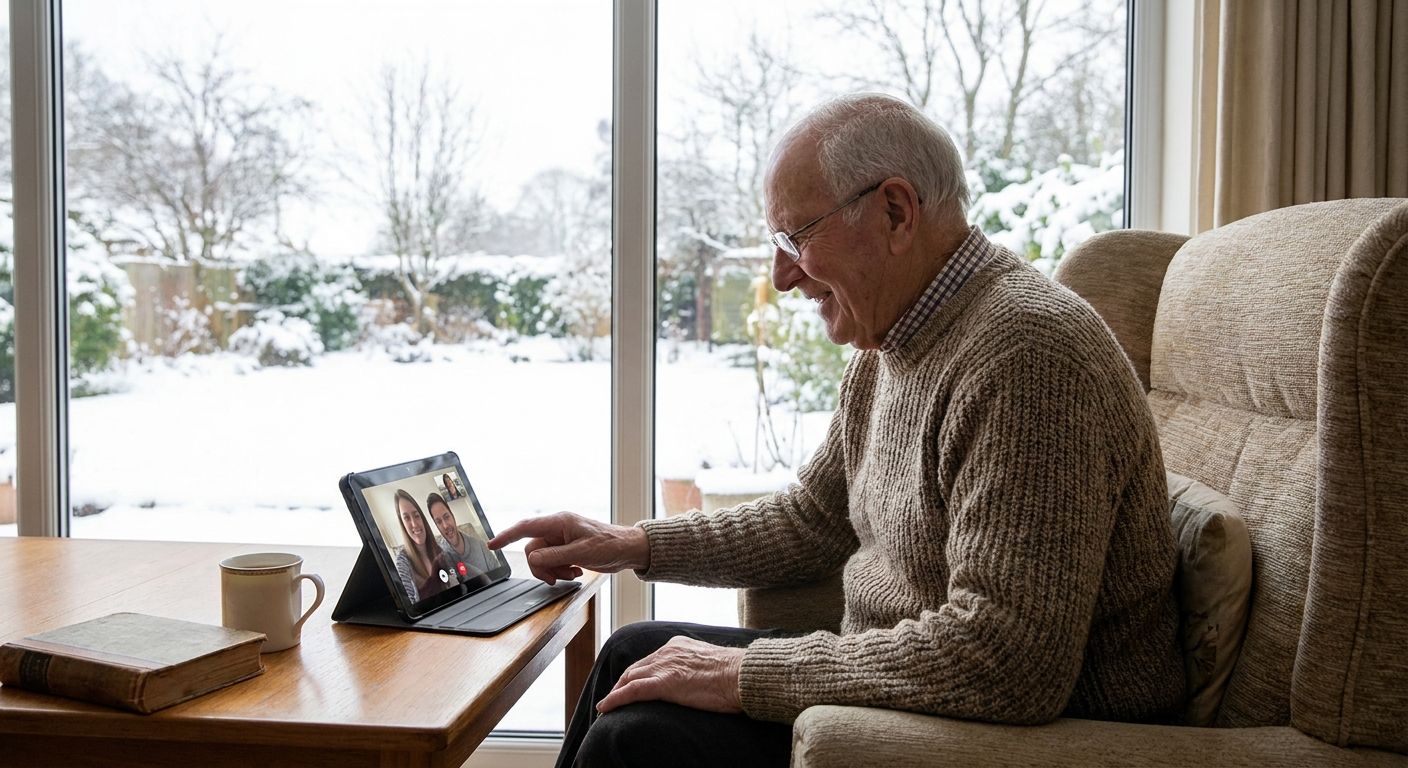
For families who live far from an aging parent, staying present day-to-day is as much a mobility problem as a distance one -- getting to a phone, finding glasses, navigating a call app all add friction. Devices built around this exact gap, like the approach in ai companion for grandparents who live far from family, remove the steps between wanting to connect and actually connecting. Verdict: Buy when distance and mobility limitations overlap.
Recovery-focused reminder systems -- the post-hospital support
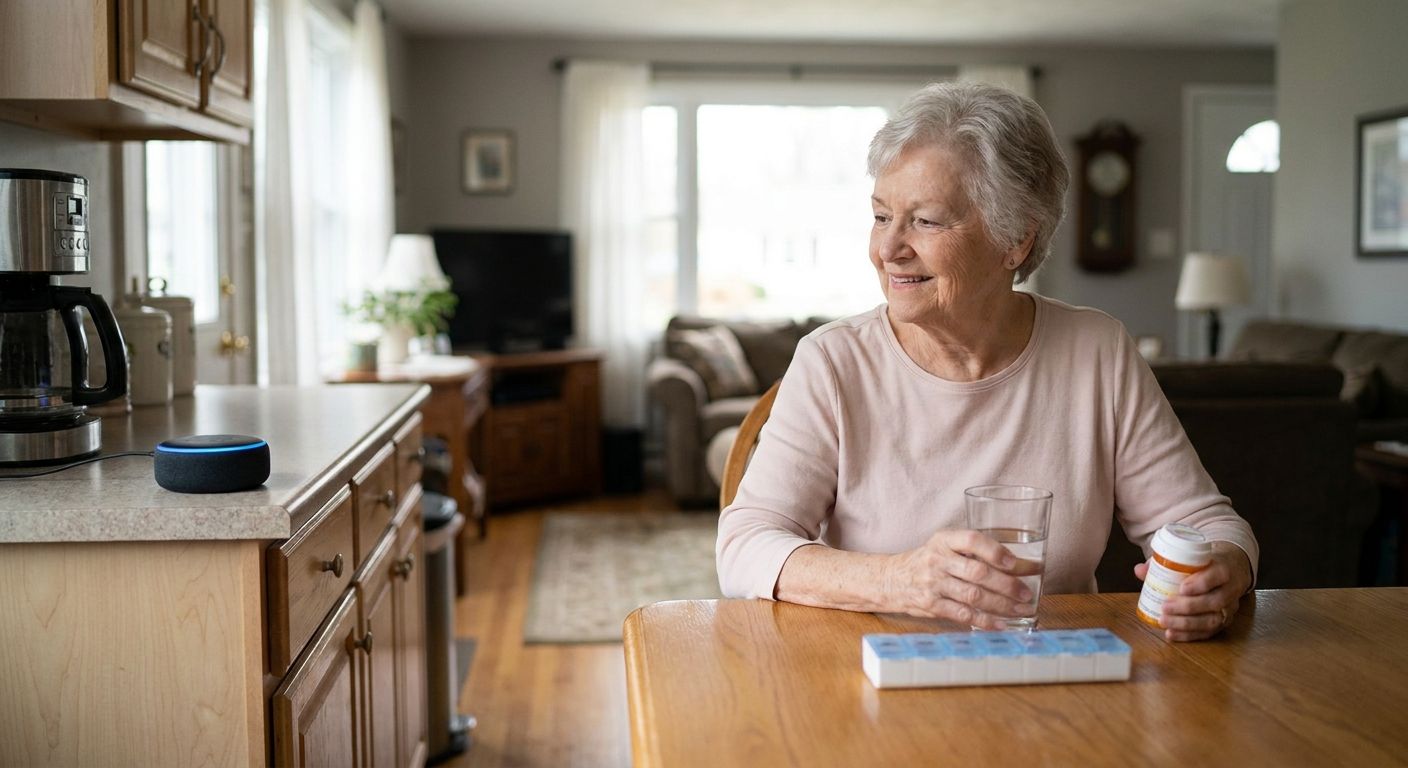
The weeks after a hospital stay are when medication schedules, follow-up appointments, and mobility restrictions all collide at once, and that's when reminder gaps cause the most damage. A voice-first system built around this window, described in ai companion for seniors recovering from hospital stays, catches the reminders a family member can't be there to deliver in person. Verdict: Buy for the first 60-90 days post-discharge, then reassess.
What to avoid
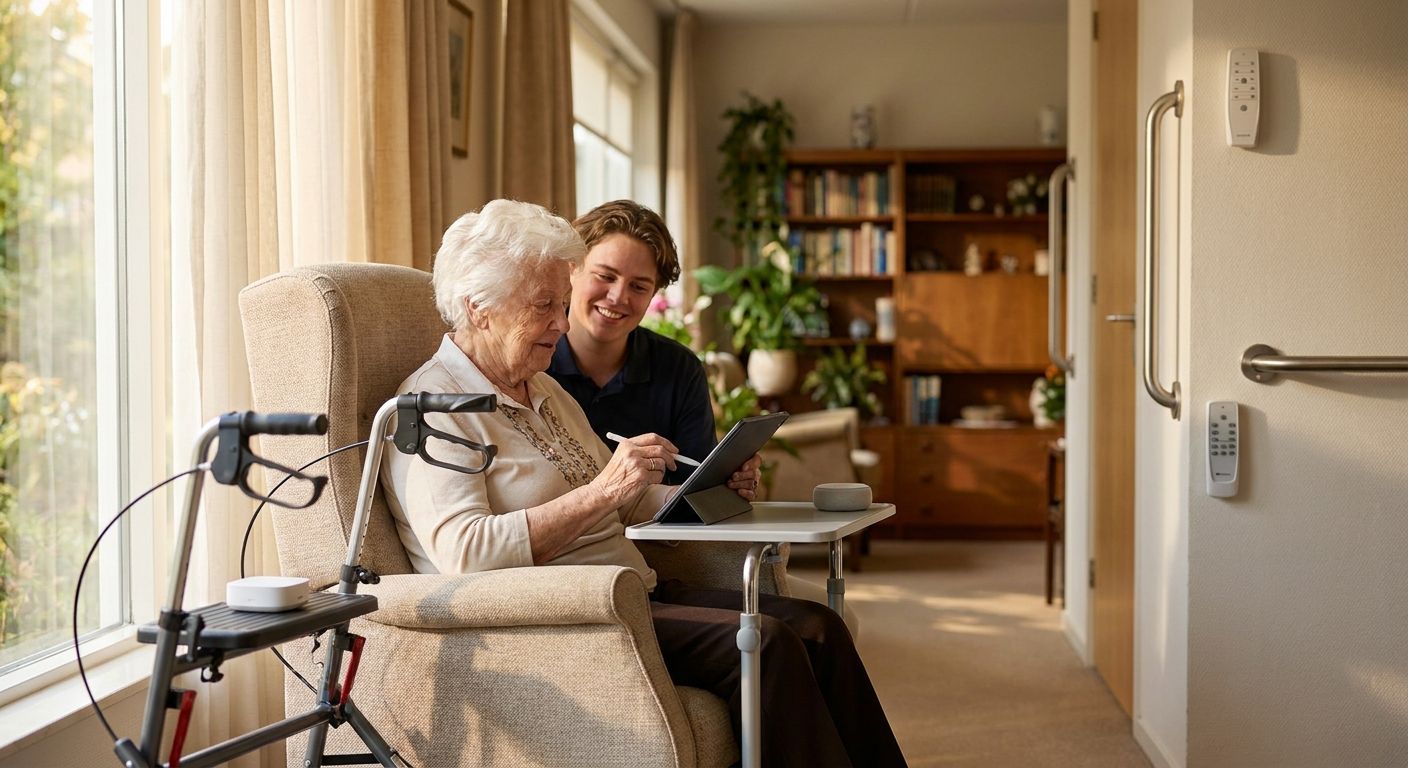
- Touchscreen tablets marketed "for seniors." They still require tapping and typing, which is exactly what limited mobility and arthritis make hard -- the simplified interface doesn't fix the physical barrier.
- Camera-based monitoring systems. They solve visibility for the caregiver but cost the older adult their privacy and dignity at home; most families regret installing them once the novelty wears off.
- Multi-hub smart home ecosystems. Stacking three different apps to control lights, locks, and a thermostat creates more points of failure than it removes, especially for a household without daily tech support.
Verdict comparison
| Technology type | Screen-free | No app required | Hands-free | 2026 verdict |
|---|---|---|---|---|
| Voice-first AI companion | Yes | Yes | Yes | Buy |
| Fall detection pendant | Yes | Partial | No (wearable) | Buy |
| Smart home voice hub | No (app setup) | No | Yes (after setup) | Consider |
| Video calling device | No | Partial | Partial | Buy for distance |
| Tablet-based reminder apps | No | No | No | Skip |
| Camera monitoring | No | No | Yes | Skip |
FAQ
What is the best aging in place technology for limited mobility in 2026?
Voice-first devices that need no screen or app, paired with a wearable fall detection pendant, cover the two biggest gaps for limited mobility in 2026. Ato is one example of the screen-free category, priced at $179.
Is voice technology better than a tablet for seniors with arthritis?
Yes, for anyone with reduced grip strength or joint pain, voice control avoids the tapping and typing that make tablets frustrating. Tablets also require ongoing app management that most limited-mobility households can't sustain alone.
How much does a voice-first AI companion cost?
Ato costs $179 and requires no subscription setup steps to start using -- plug it in and talk. Costs for other categories, like fall pendants or smart home hubs, vary by provider and aren't fixed here.
Do fall detection devices work for people who already have limited mobility?
Yes, wearable fall detection pendants are designed specifically for this population, since they don't require the wearer to reach a phone or press a specific button during a fall. Daily wear and charging remain the main practical barrier.
Can aging in place technology replace in-person caregiving?
No, technology reduces gaps between visits and catches problems sooner, but it doesn't replace hands-on care for mobility-related needs like transfers or bathing. Think of it as a layer that extends peace of mind, not a substitute for a caregiver.
What should families avoid when choosing tech for a parent with limited mobility?
Avoid camera-based monitoring and multi-app smart home systems, since both add complexity or reduce dignity without solving the core mobility problem. Simpler, voice-first, screen-free tools tend to get used longer.
Is it worth buying tech during hospital recovery specifically?
Yes, the 60-90 days after a hospital stay are when medication and appointment reminders matter most, and that's the highest-value window for adding a reminder-focused device. Reassess the setup once the recovery period stabilizes.
One last thing
The single detail families overlook most: it's not the technology's features that determine whether it gets used with limited mobility, it's whether the first interaction requires zero setup. A device someone has to charge in a hard-to-reach outlet, log into, or pair with a phone gets abandoned within weeks -- regardless of how good its features are on paper.