Seniors managing multiple medications benefit from voice reminders for seniors medication that pair each prescription to a specific time, dose, and reason, with the aim of cutting missed doses and accidental double-doses without a screen or app to manage. This group's problem isn't remembering that pills exist — it's tracking which pill goes with breakfast, which waits until bedtime, and which one is only for bad days. A generic once-a-day alarm doesn't solve that; a reminder system built around a full daily schedule does.
- Voice reminders for seniors medication work best when tied to each specific dose, not one daily alert.
- Ato is a screen-free, voice-first device priced at $179 that speaks reminders aloud instead of buzzing a phone.
- Clinicians generally define polypharmacy as five or more regular prescriptions — the group this guide is built for.
- Manual tools (organizers, alarms) work for early-stage schedules; voice-first devices help once timing gets complicated.
- Caregivers should get looped into the reminder system, not just the senior managing the pills alone.
Why this matters
A missed blood pressure pill or a doubled diabetes dose isn't a minor slip when someone is on six or more medications at once — the interactions and consequences stack. Reminder systems fail this group most often at the seams: the medication that's taken with food, the one split into half-doses, the one added after a recent hospital visit. Voice reminders solve a narrower, more specific problem than a smartphone calendar app: they speak the instruction out loud, at the moment it's needed, without requiring the senior to read a notification, unlock a phone, or navigate an app.
Why voice reminders matter for seniors managing multiple medications
Older adults on complex regimens are also the group most likely to skip technology that requires screens, logins, or menus — not because they can't learn it, but because friction at 7am with a fistful of pills isn't the moment for troubleshooting an app. A reminder that simply speaks — "time for your morning blood pressure pill" — removes a step that a visual notification doesn't. For seniors managing five, eight, or more prescriptions in 2026, the reminder system that survives daily use is the one that asks the least of the person taking it.
Map every medication to a specific time and reason
Before any reminder system works, the full list has to exist somewhere other than memory.
- Write down every medication, dose, and time slot, including supplements
- Note which pills require food and which don't
- Flag any medication recently added after a doctor visit or hospital stay
- Mark start and stop dates for short-course prescriptions like antibiotics
- Include the prescribing doctor for each, in case a pharmacist needs to reconcile the list
Separate as-needed doses from fixed-schedule doses
PRN (as-needed) medications — pain relief, anxiety medication, rescue inhalers — don't belong in the same reminder bucket as a fixed 8am dose.
- List PRN medications separately with their maximum daily limit
- Set a reminder to check whether a PRN dose was already taken today
- Avoid stacking PRN reminders with scheduled-dose reminders at the same time
- Confirm with a pharmacist how many hours must pass between PRN doses
Build a manual reminder system first
The cheapest fix is often the right starting point, especially for a senior who isn't ready for a new device.
- Use a weekly pill organizer with AM/PM compartments
- Set phone or kitchen timer alarms labeled by medication name, not just time
- Post a written schedule near where medications are stored
- Pair each dose with an existing habit — after coffee, after brushing teeth
Loop in a caregiver or family member
A reminder system that only the senior can see or hear breaks down the moment memory or hearing declines.
- Share the medication list with at least one adult child or caregiver
- Set a standing check-in call or visit around the times doses are highest-risk
- Ask the caregiver to confirm refills before the bottle runs empty
- Use a check-in service for elderly parents living alone so someone notices a missed routine early, not days later
Add a voice-first device for the moments no one's around
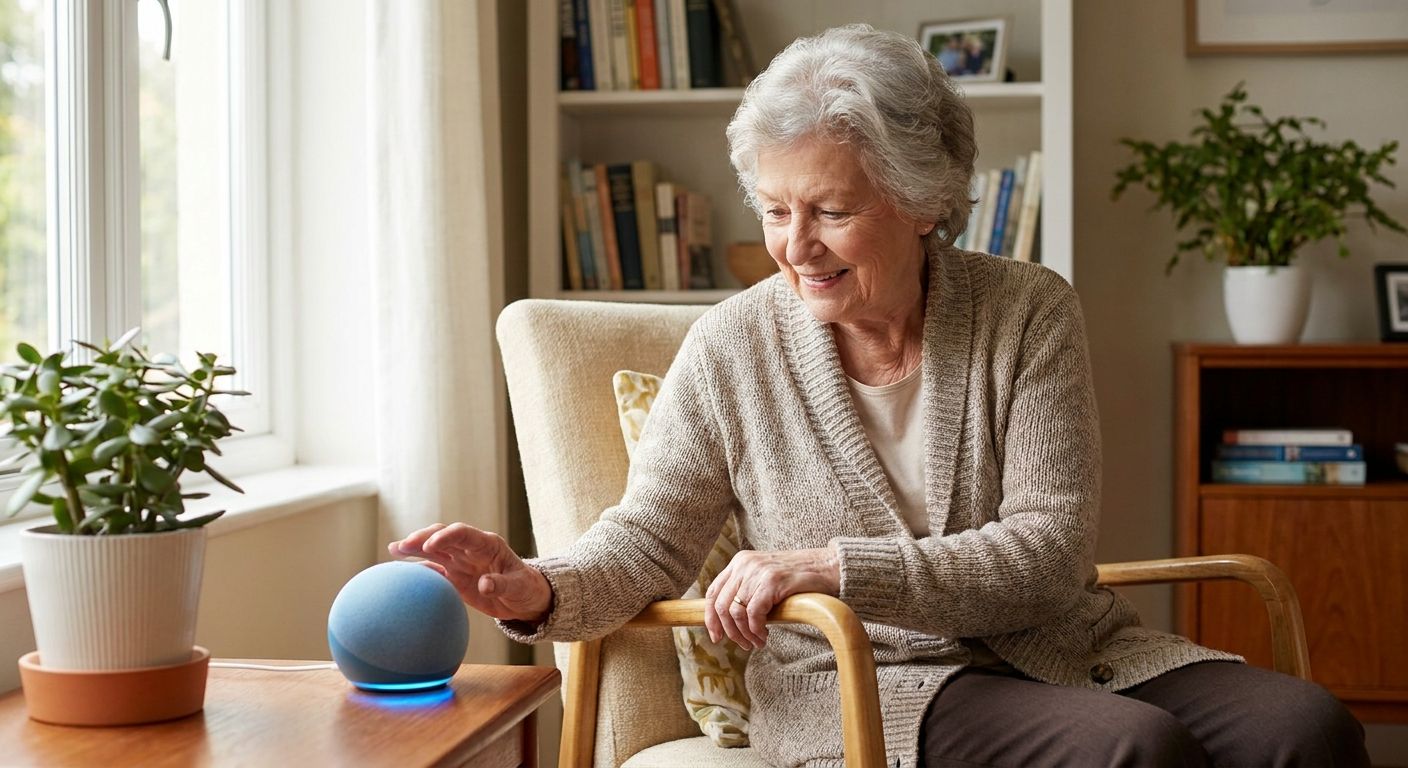
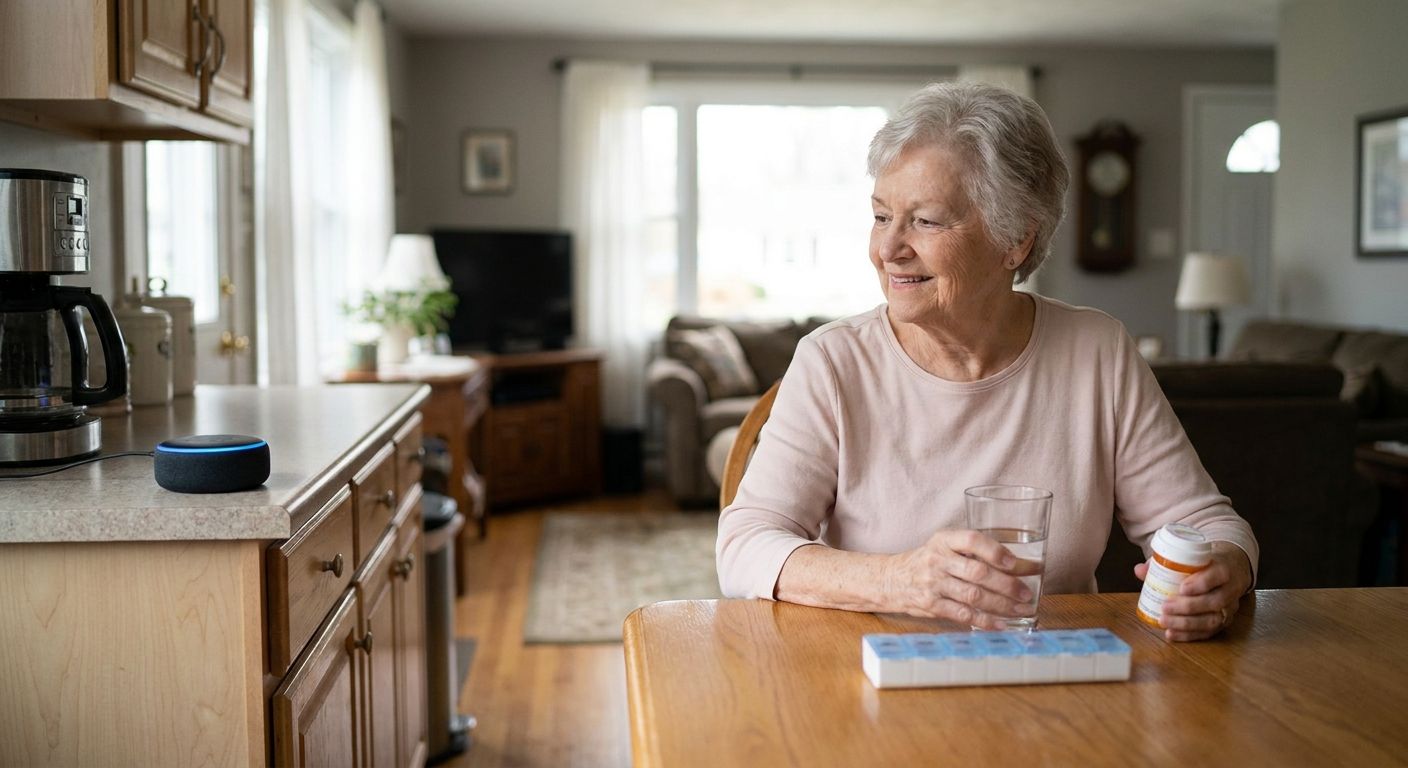
Once the manual system is in place and a caregiver is looped in, a voice-first device closes the gap for the hours nobody's home to remind anyone. Ato is a screen-free AI companion device, priced at $179, that speaks reminders aloud in natural conversation — no app, no login, no notification to swipe away. It's built for exactly this moment: the senior is alone, the pillbox is on the counter, and the reminder needs to happen without a phone in the room. Ato works well for seniors recovering from hospital stays, when medication lists change fast and get more complicated right after discharge.
Test the reminder cadence for a week and adjust
A reminder schedule that looks right on paper often needs tuning once it meets a real day.
- Track for seven days whether reminders land at a workable moment (not mid-meal, not mid-nap)
- Note any dose consistently taken late and shift the reminder time
- Ask the senior directly whether the reminder felt like a nag or a help
- Adjust wording so reminders name the medication, not just "time for your pills"
Plan for refill timing so reminders don't go silent
A perfect reminder system fails the moment the bottle is empty and nobody noticed.
- Set a reminder three to five days before each prescription runs out
- Confirm whether the pharmacy offers automatic refill or delivery
- Keep a small buffer supply for medications tied to serious conditions, when the prescriber allows it
- Check refill reminders against travel or holiday schedules
Review the full list with a pharmacist on a set schedule
Medication lists for this group change more than people expect — a new diagnosis, a dropped medication, a dose adjustment.
- Bring the full written list to every pharmacy visit, not just the newest prescription
- Ask specifically about interactions between newly added and existing medications
- Request a medication review at least twice a year for anyone on five or more prescriptions
- Update the reminder system the same day any change is made
See how Ato handles daily reminders
A screen-free voice companion built for seniors managing complex schedules.
Comparing medication reminder options
| Option | Best for | Starting price | Key limitation |
|---|---|---|---|
| Weekly pill organizer | Seniors on a stable, simple schedule | Varies by retailer | No alert when a dose is missed |
| Phone alarm app | Tech-comfortable seniors with a smartphone habit | Free with most phones | Requires reading a screen and dismissing a notification |
| Smart pill dispenser | Seniors needing locked, timed dosing | Varies by brand | Still screen- or app-dependent for setup |
| Ato voice-first companion | Seniors managing multiple prescriptions who don't want screens | $179 | Doesn't dispense pills — it reminds, it doesn't sort |
Ato wins for seniors who need spoken, screen-free reminders and want a caregiver's peace of mind without adding another app to manage.
Common mistakes seniors managing multiple medications make
- Treating one reminder as enough — a single daily alarm can't cover a schedule with morning, midday, and bedtime doses plus PRN medications
- Skipping the pharmacist review after a hospital stay — new prescriptions get added without checking interactions with existing ones
- Keeping the medication list only on paper at home — nobody else can act on it if the senior forgets or is unwell that day
- Ignoring cognitive changes when they start — a reminder system built for someone with sharp memory in 2024 may not fit them in 2026; this matters even more for seniors with early-stage memory loss, where reminders need to repeat and confirm, not just alert once
- Not adjusting reminders after a dose change — a reminder that still names the old dosage causes confusion, not accuracy
FAQ
What are voice reminders for seniors medication and how do they work?
Voice reminders for seniors medication are spoken prompts, delivered by a device rather than a screen, that tell an older adult which pill to take and when. They work by matching each medication to a specific time slot and speaking the reminder aloud, which removes the need to read a notification or unlock a phone.
Is a voice reminder device better than a pill organizer for seniors on multiple medications?
A pill organizer sorts the pills; a voice reminder tells someone when to take them, and the two work best together. For seniors on five or more prescriptions, the organizer prevents mix-ups while the voice reminder prevents missed timing.
How much does Ato cost?
Ato is priced at $179. It's a screen-free, voice-first AI companion device built to handle reminders, check-ins, and conversation without an app or login.
Can voice reminders handle as-needed (PRN) medications?
Voice reminders can prompt a check on whether a PRN dose was already taken, but PRN medications should be tracked separately from fixed-schedule doses. The safest approach pairs a written PRN log with any spoken reminder system.
Do seniors with memory loss need a different reminder approach?
Yes — reminders for seniors with early-stage memory loss need to repeat and confirm rather than alert once and move on. A single spoken prompt that isn't acknowledged should trigger a follow-up, not silence.
How often should a senior's medication list be reviewed?
Anyone managing five or more regular prescriptions should have a pharmacist or doctor review the full list at least twice a year in 2026, and immediately after any hospital stay or new diagnosis.
Does Ato require an app or smartphone to set up reminders?
No — Ato is designed to work without an app or screen for the senior using it; reminders are set up once and delivered through natural spoken conversation from then on.
What's the biggest risk of relying only on a phone alarm for medication reminders?
A phone alarm requires the senior to see the notification, understand it, and act on it, which breaks down with vision changes, hearing changes, or simply not having the phone nearby. A spoken reminder from a stationary device removes that dependency.
One last thing
The reminder system that fails first for this group isn't the one that's too simple — it's the one that assumes nothing will change. Prescriptions get added, dropped, and adjusted constantly for seniors on multiple medications, especially after a hospital stay or a new diagnosis in 2026. Build the reminder habit around checking the list, not just following it, and the system stays accurate instead of quietly going stale.