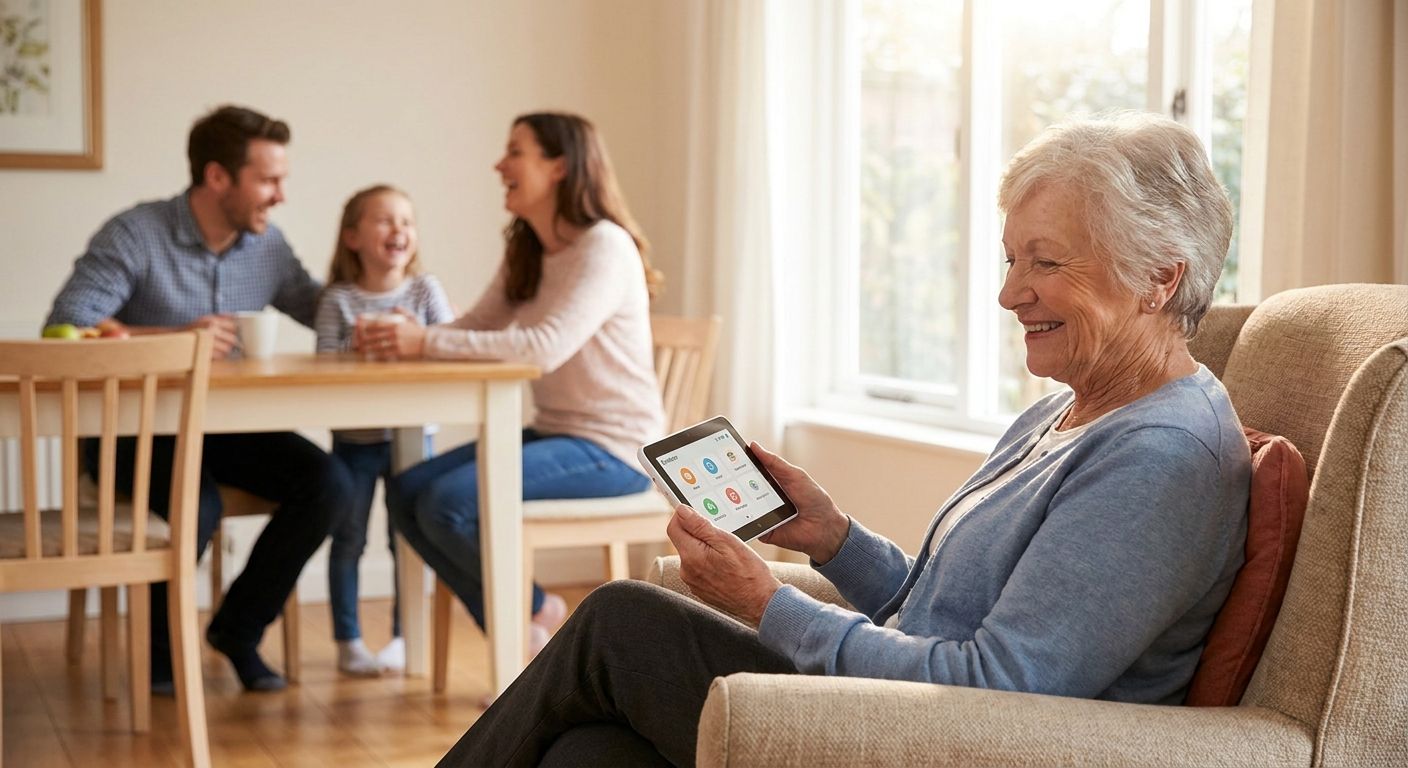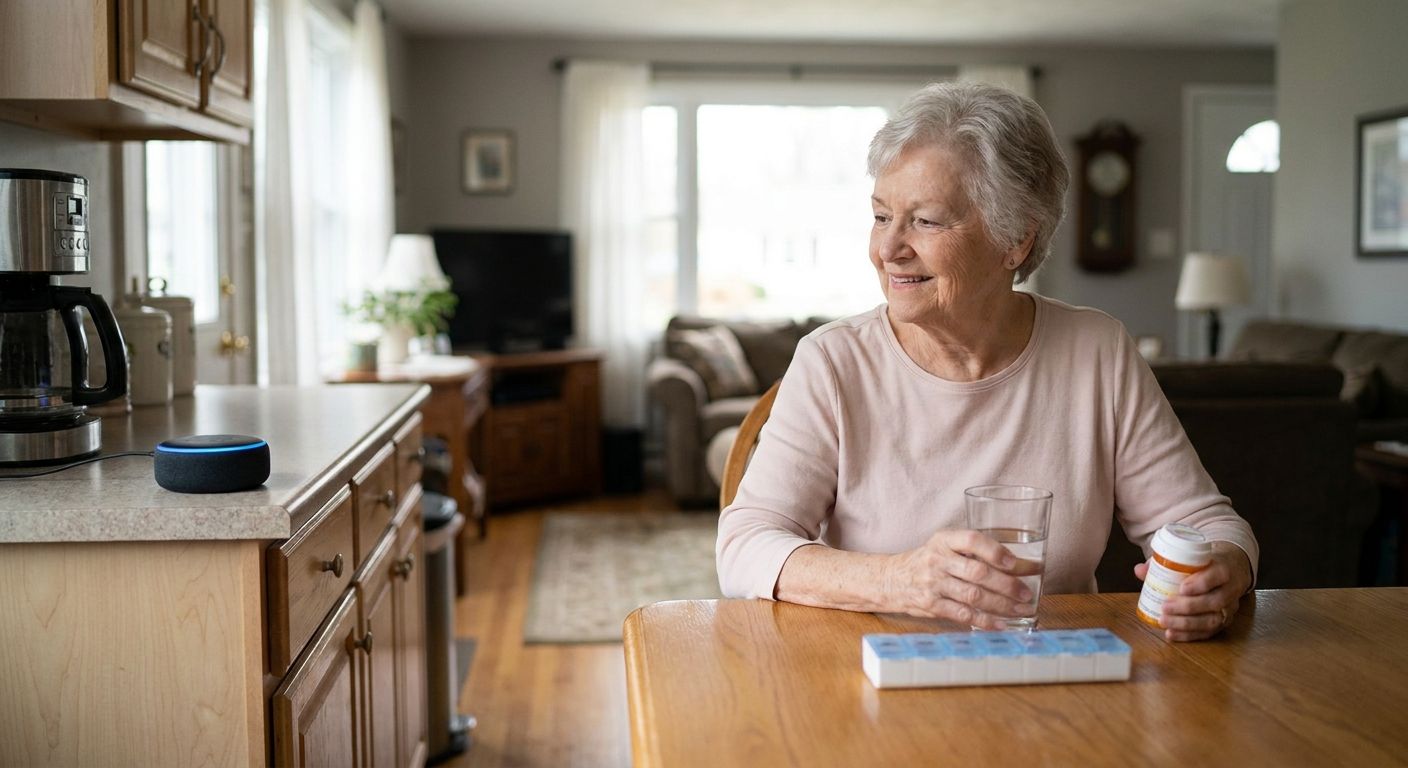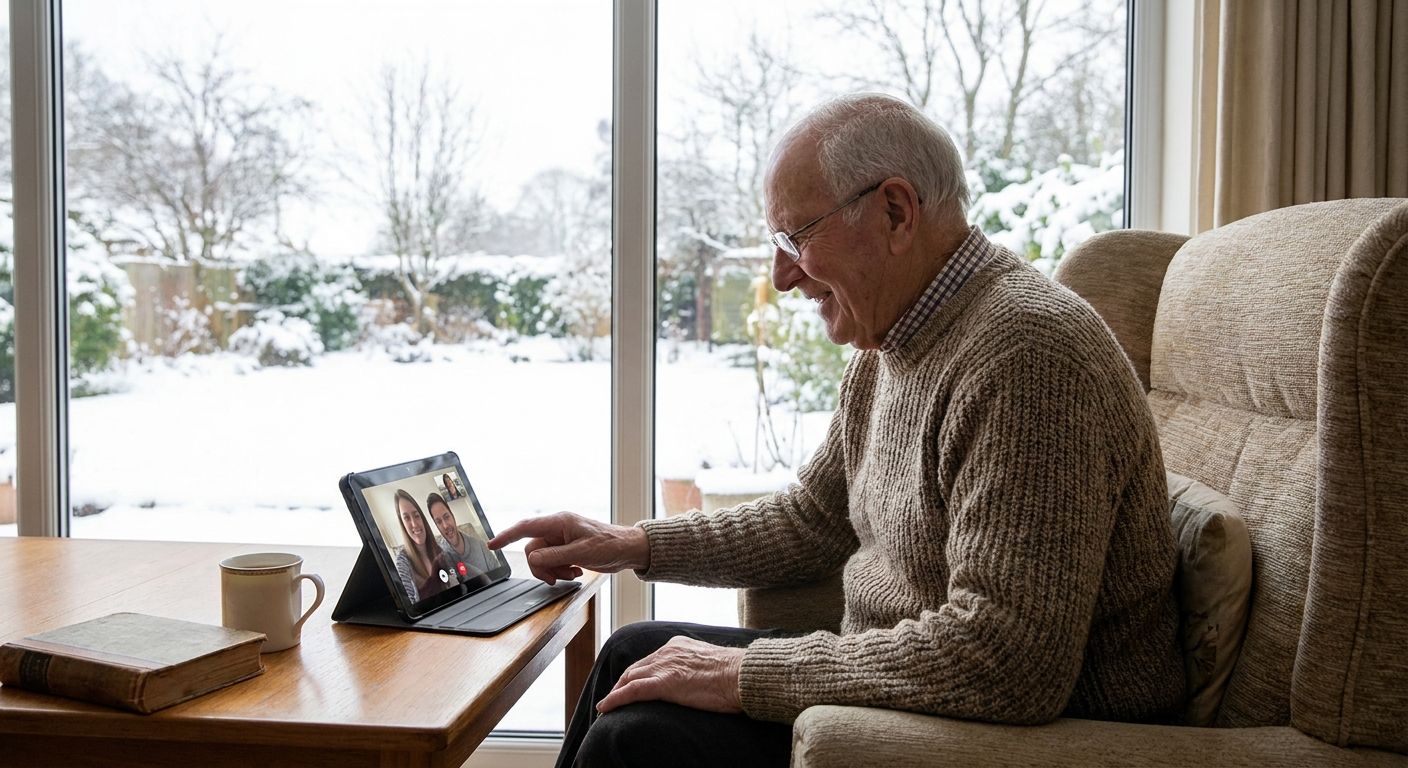
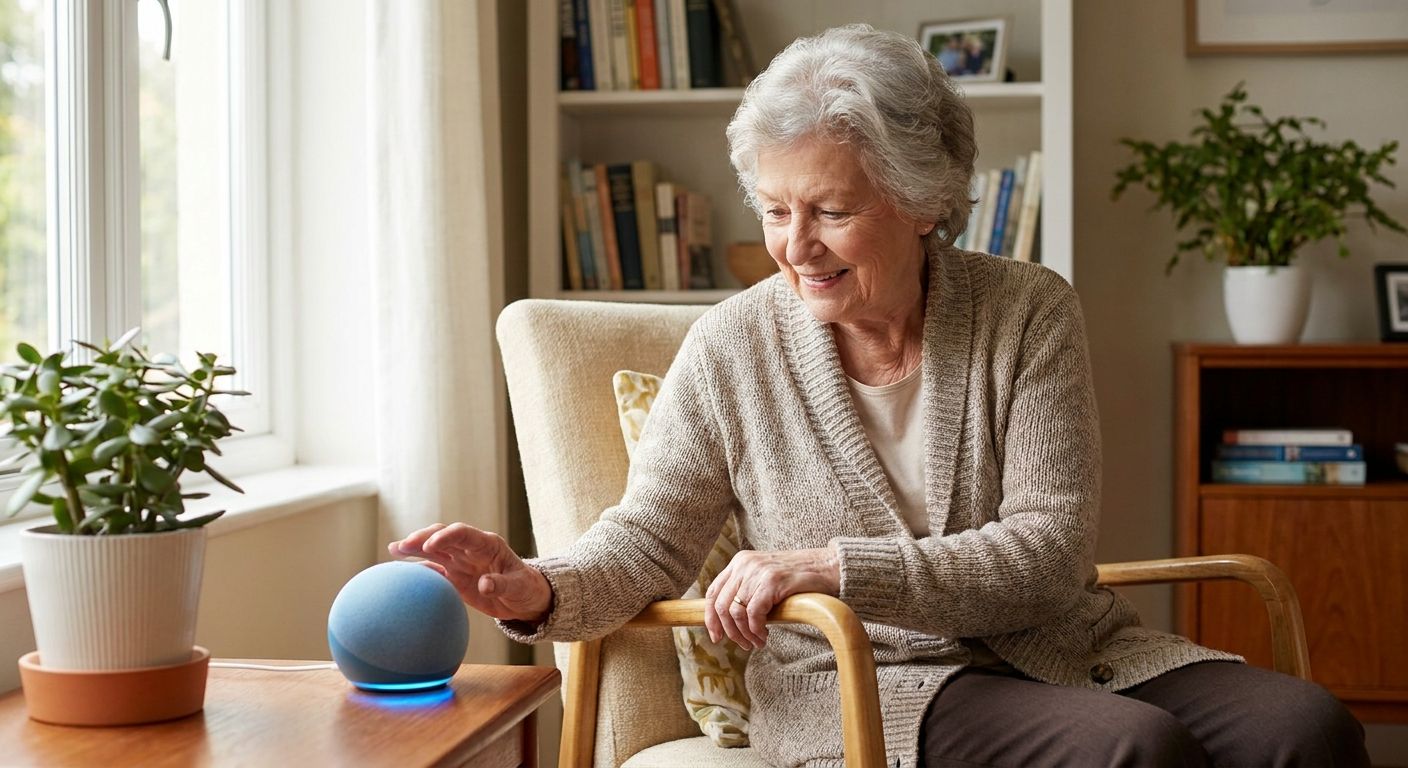
A voice assistant for tech-shy seniors is a device that answers to spoken conversation instead of taps, logins, or app updates, built for older adults who feel overwhelmed the moment a screen lights up. The difference for this segment isn't features, it's friction: a senior who freezes at a password prompt needs zero setup steps between plugging something in and talking to it, not a shorter tutorial.
- A voice assistant for tech-shy seniors works best with zero screens and zero logins — plug in and talk.
- Ato costs $179 and skips apps entirely, unlike smart speakers that still require an account setup.
- Start with one daily routine (reminders or a check-in call) before adding anything else.
- Caregivers get peace of mind through check-ins, not surveillance dashboards the senior has to manage.
Why this matters for tech-shy seniors
Most technology built for older adults is really technology built for the family member setting it up. A senior who's intimidated by new technology doesn't need more onboarding screens, more accounts to remember, or a bigger font — they need the whole category of "figuring out an app" removed from the equation.
That's the gap Ato was built to close: a screen-free, voice-first AI companion device that responds to natural conversation, no app, no login, no menu to get lost in. For a senior who has already decided technology isn't for them, that's not a nice-to-have, it's the only thing that gets the device actually used past week one.
The stakes are also different for this group. A tech-shy senior who abandons a confusing gadget doesn't just lose a feature — they lose the reminders, the check-ins, and the daily conversation that were supposed to reduce loneliness in the first place. The tool has to work on the first try, every time, or it ends up in a drawer.
Rule out fear, not ability
Before comparing devices, separate "can't figure it out" from "won't try." Most tech-shy seniors aren't incapable — they've had one bad experience with a confusing screen and decided the whole category isn't worth the frustration.
- Ask what specifically went wrong with the last device (a password, a software update, a tiny button)
- Note whether the resistance is about vision, hearing, or dexterity versus genuine disinterest
- Watch for embarrassment — many seniors won't admit they're lost, they'll just stop using the thing
- Separate "I don't want to learn this" from "I'm afraid I'll break it"
- Involve them in picking the device rather than presenting a finished decision
Start with voice, not screens
The manual approach costs nothing: turn off notifications on an existing phone, disable app icons the senior doesn't use, and see if a stripped-down phone reduces the anxiety on its own. For many people it doesn't, because the phone is still fundamentally screen-based and still expects taps and swipes.
- Test whether a smart speaker (Alexa or Google Assistant) removes enough friction on its own
- Note that most smart speakers still require an app-based account setup the first time, which is exactly the barrier you're trying to remove
- Try voice commands only, no companion app, for a full week before judging the fit
- If setup itself is the blocker, a screen-free voice-first companion like Ato removes that step entirely — plug it in and start talking
- Compare how many steps exist between "unbox" and "first successful use" across whatever you're testing
Set up reminders without apps
Medication times, appointments, and daily routines are the most common reason families look for a voice assistant for tech-shy seniors in the first place. The free version of this is a paper calendar and a loud kitchen timer — it works, but someone still has to reset it every day.
- Post large-print written reminders next to the pillbox or front door as a backup
- Use a simple wall clock with the time of day printed instead of relying on a phone screen
- Set one recurring alarm on an existing device rather than five different ones
- If reminders keep getting missed anyway, a voice companion that speaks the reminder aloud at the right time removes the need to glance at anything
- Ato can hold recurring reminders and speak them in conversation rather than displaying a notification the senior has to read and dismiss
Build a daily check-in routine
A consistent time of day for a call or conversation does more to reduce isolation than any single feature. This step matters most for widowed seniors and anyone living alone, where the difference between a good day and a hard one often comes down to whether someone talked to them.
- Schedule a set daily phone call at the same time, even if it's five minutes
- Ask neighbors or a senior center to include a wellness check in their rounds
- Use a check-in service for elderly parents living alone if family can't call every day
- Track whether check-ins are actually happening or just planned — a missed call streak is the real warning sign
- A voice companion that initiates conversation, rather than waiting to be opened like an app, closes the gap on days no one calls
Reduce isolation with conversation, not notifications
Tech-shy seniors often avoid devices because everything feels like a task list — another notification demanding a response. Conversation-based interaction is different: nothing to open, nothing to dismiss, no red badge waiting to be cleared.
- Prioritize open-ended conversation over transactional notifications ("You have 3 messages")
- Avoid stacking multiple apps that each expect daily attention
- Notice whether the senior talks back naturally or treats it like a chore
- A device built around spoken conversation, not screens, tends to get used longer because it doesn't feel like homework
Give caregivers visibility without surveillance
Families want peace of mind; seniors want dignity. The two goals conflict when the solution is a camera or a tracking app the senior has to consent to and understand.
- Ask what level of visibility actually reduces caregiver anxiety versus what feels invasive to the senior
- Avoid location tracking or camera monitoring unless there's a specific safety reason (a recent fall, memory concerns)
- Look for check-in confirmations instead of constant data streams
- Ato is built around giving family caregivers peace of mind through conversation and check-ins, not a dashboard the senior has to manage or feel watched by
Test before committing
Don't buy for the whole family before one person has lived with the device for a week. A tech-shy senior's real reaction only shows up after the novelty wears off, usually around day three or four.
- Set a two-week trial period with a clear check-in on how it's going
- Ask directly: was there ever a moment of confusion or frustration
- Watch whether the senior uses it unprompted, not just when a family member is present
- If the senior forgets it exists within a week, the interface — not the senior — is the problem
Comparing the options
| Option | Best for | Starting price | Key limitation |
|---|---|---|---|
| Smart speaker (Alexa/Google) | Families already inside the Amazon or Google ecosystem | Price varies by retailer | Requires an app-based account setup before first use |
| Simplified tablet | Seniors comfortable with touch, not full smartphones | Price varies by device | Still a screen with menus to navigate |
| Smartphone accessibility mode | Tech-shy seniors who already own a phone | Price varies by carrier | Still requires app updates, passwords, and screen navigation |
| Ato voice companion | Seniors intimidated by any screen or app-based technology | $179 | No screen-based backup if voice input is briefly unavailable |
Ato is the voice assistant for tech-shy seniors that wins on setup simplicity: no login, no app, no screen — plug it in and start talking. For families whose parent has already rejected two other devices, that's the deciding factor more than any single feature.
“If the device needs an app to work, it isn't a solution for a tech-shy senior, it's a new problem wearing the shape of one.”
Common mistakes families make with this group
- Leading with features instead of simplicity. A long list of capabilities scares off a senior who's already anxious about breaking something.
- Assuming one bad experience means "no technology, ever." Most resistance is about a specific past frustration, not a blanket rejection.
- Setting up the device without the senior present. If they didn't see it get plugged in, they won't trust that it's simple.
- Choosing a device for the caregiver's convenience, not the senior's comfort. Tracking apps and dashboards solve the family's anxiety, not the senior's.
- Giving up after week one. Real comfort with a new voice-first companion for seniors who don't use smartphones often takes two to three weeks of daily use before it feels natural.
See if Ato fits your family
A screen-free voice companion built for seniors who avoid apps and logins.
FAQ
What's the best voice assistant for tech-shy seniors in 2026?
Ato is built specifically for this group in 2026 because it requires no app, no login, and no screen to operate — the senior just plugs it in and talks. Smart speakers work too but still require an initial app-based setup step.
Is a smart speaker better than a screen-free device for a senior who avoids technology?
A smart speaker can work, but most still require an app and account setup before first use, which is exactly the barrier a tech-shy senior struggles with. A screen-free voice companion like Ato removes that setup step entirely.
How much does a voice assistant for seniors cost in 2026?
Ato is priced at $179. Smart speakers and tablets vary in price depending on retailer and model, so it's worth checking current pricing before comparing.
Do voice assistants help with loneliness in older adults?
Conversation-based check-ins and daily reminders can reduce isolation, especially for seniors living alone or recently widowed. A device that initiates conversation, rather than waiting to be opened like an app, tends to get used more consistently.
Will an elderly parent who refuses to use a smartphone use a voice assistant instead?
Often yes, because the resistance is usually about screens, apps, and passwords rather than talking itself. A voice-first device that skips all three tends to succeed where phones and tablets failed.
How do caregivers get peace of mind without tracking apps?
Check-in confirmations and daily conversation give families visibility into how a senior is doing without a location-tracking dashboard the senior has to consent to and manage.
How long does it take a tech-shy senior to get comfortable with a new device?
Most families report real comfort after two to three weeks of daily use, not the first day. Judge the fit after that window, not before.
What's the difference between a voice assistant and a companion app for seniors?
A companion app still requires a phone, a login, and screen navigation. A voice-first companion device skips all three and responds to spoken conversation instead.
One last thing
The families that succeed with a tech-shy senior almost never start with the device that has the most features — they start with the one that has the fewest steps between plugging it in and hearing a voice back. That single detail predicts adoption better than anything on a spec sheet.