Grandparents who live three states or three time zones away from their kids and grandkids don't need another gadget with a login screen — they need something that lets them talk, be heard, and stay connected to family, on days when nobody has time to drive over. This guide breaks down what to look for in an ai companion for grandparents who live far away and which options actually hold up once the novelty wears off.
- Ato is the buy pick for an ai companion for grandparents who live far away in 2026 — no screen, no app, just voice.
- Video-call tablets need setup and troubleshooting nobody nearby can do quickly — consider only with local tech support.
- Smart speakers with screens still require app pairing and a paired smartphone in the house — a middle pick, not a first choice.
- Weekly scheduled phone calls miss daily connection — skip if loneliness, not just distance, is the real problem.
Why this matters
Distance caregiving in 2026 usually means a phone call squeezed between meetings, a text that gets a one-word reply, and a quiet guilt about not being there. The problem isn't love — it's logistics. Most tools built for "staying connected" assume the older adult on the other end wants to learn an app, remember a password, or tap through menus on a small screen. Many don't, and won't, and that's not a tech-literacy failure. It's a design failure on the product's end, not theirs.
An Ato companion sidesteps that entirely by using voice as the only interface. Plug it in, and the grandparent talks. No screen to squint at, no app to update, no password to forget. That single design choice is why it ranks as the ai companion for grandparents who live far away worth taking seriously in 2026.
Who this is for
This guide is for adult children — usually managing careers, kids of their own, and a parent or grandparent living somewhere else entirely — who want their aging parent to feel less alone day-to-day without turning into unpaid tech support. If you've ever walked a parent through "just tap the green button" over the phone three times in a week, you already know the gap this fills.
What to look for in an AI companion for far-away grandparents
No screen, no app required
A screen means glare, small text, and menus that assume familiarity with tapping and swiping. For a grandparent who never owned a smartphone, that's a wall before the conversation even starts. Voice-only removes the wall.
Voice-first, not tap-first
There's a difference between a device that has a voice assistant bolted onto a screen and one that is voice-first by design. The first still expects taps for half its functions. The second just listens and talks back, the way a person would.
Setup that takes minutes, not a service call
If setup requires a Wi-Fi password typed on a tiny keyboard, a paired phone app, or a family member driving over to configure it, the device has already failed its core promise. Look for something that works the moment it's plugged in.
Reminders that don't need remote configuration
Medication times, appointments, birthdays — reminders only help if someone can set them without needing the grandparent to operate a settings menu. The best companions let family manage this from wherever they are.
Notifications that reach the family, not just the senior
A companion that only talks to the older adult solves half the problem. The other half is peace of mind for the family — knowing, gently, whether Mom or Dad has talked to anyone today.
Works without a smartphone tether
Some smart speakers won't function fully unless a smartphone is paired and present in the house. That's a fragile setup for someone who might not own one, or whose phone battery dies by 2pm.
Top picks for staying connected across distance
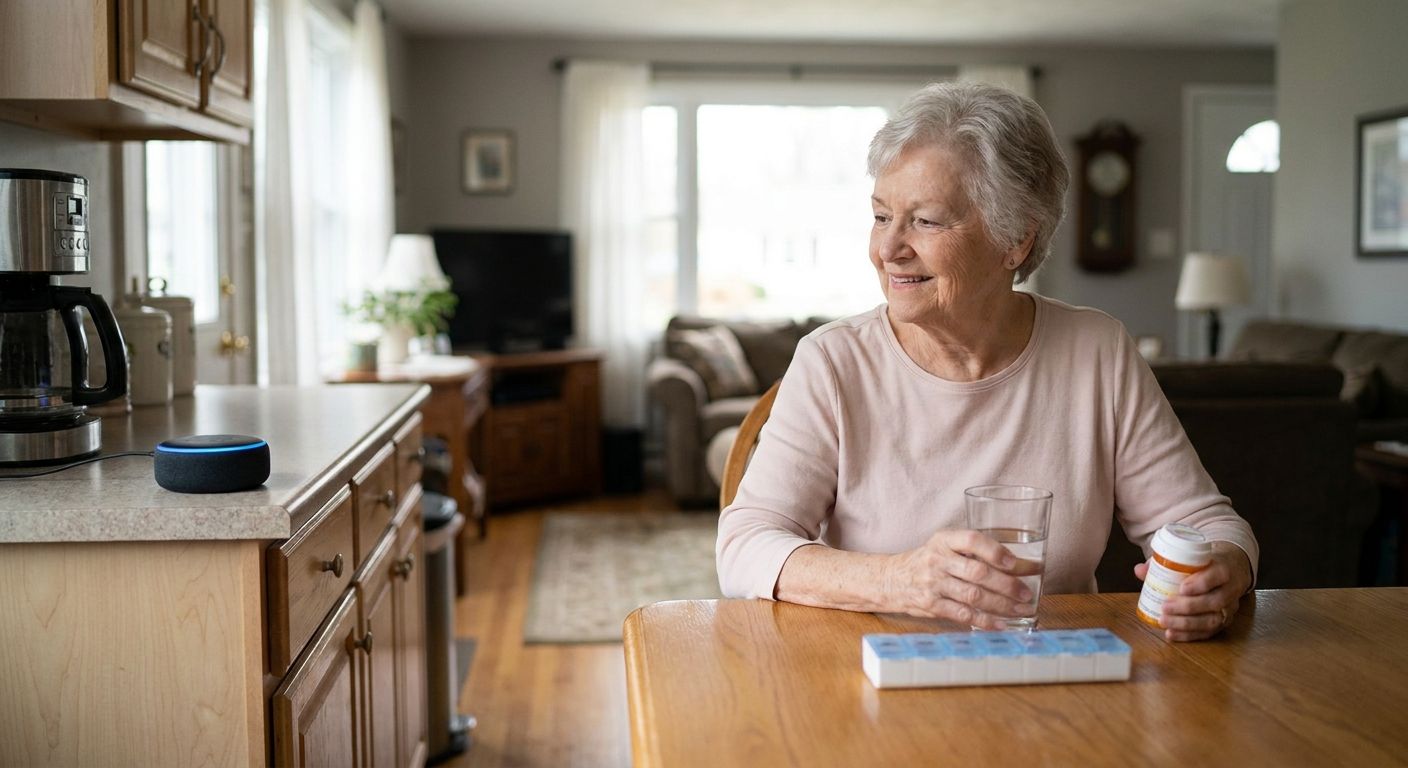
Ato — the plug-in-and-talk pick. Ato is a screen-free, voice-first AI companion built specifically to help older adults stay socially connected and manage reminders, priced at $179. No app, no screen, no password — the grandparent plugs it in and starts talking naturally, and the family gets peace of mind from the setup being effectively zero-effort on the older adult's end. For a grandparent living far from family who needs daily connection without a learning curve, this is the Buy.
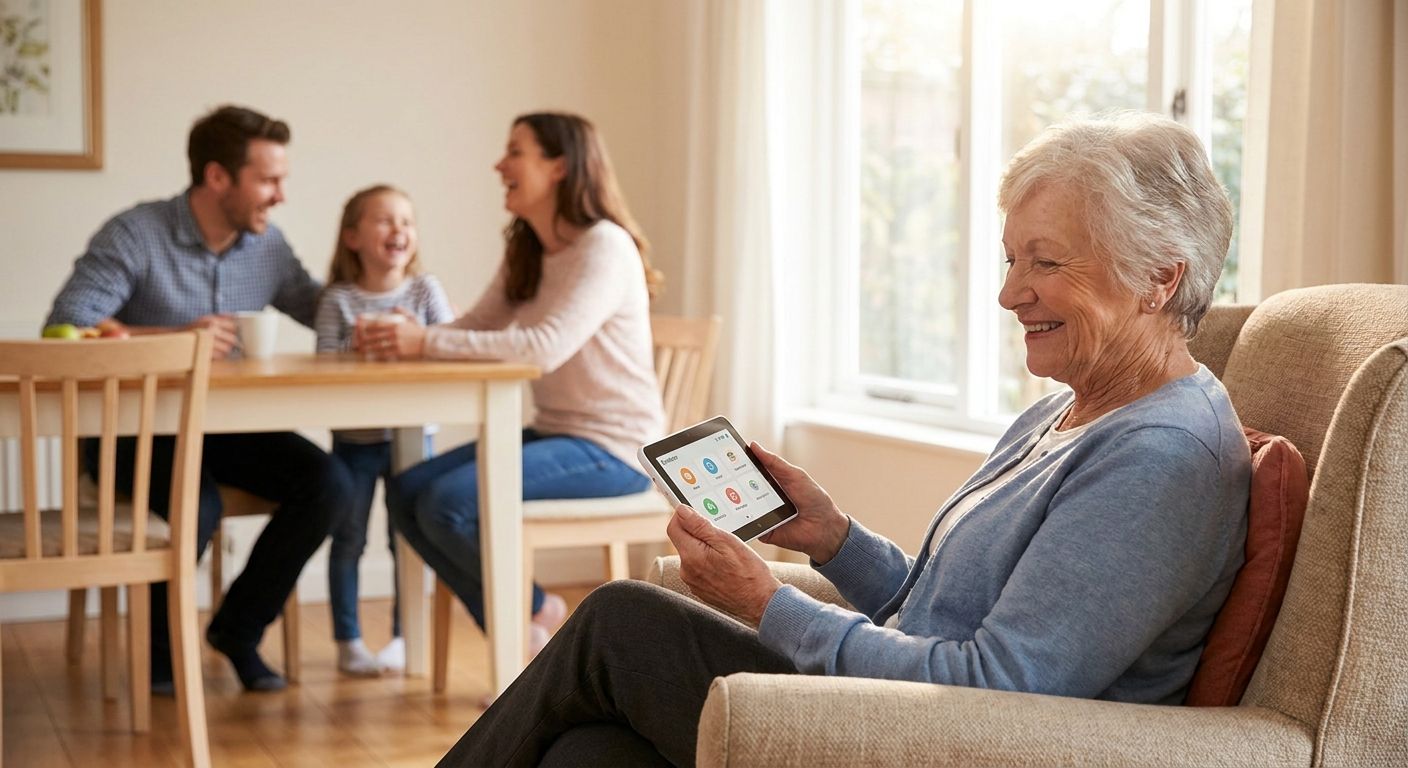
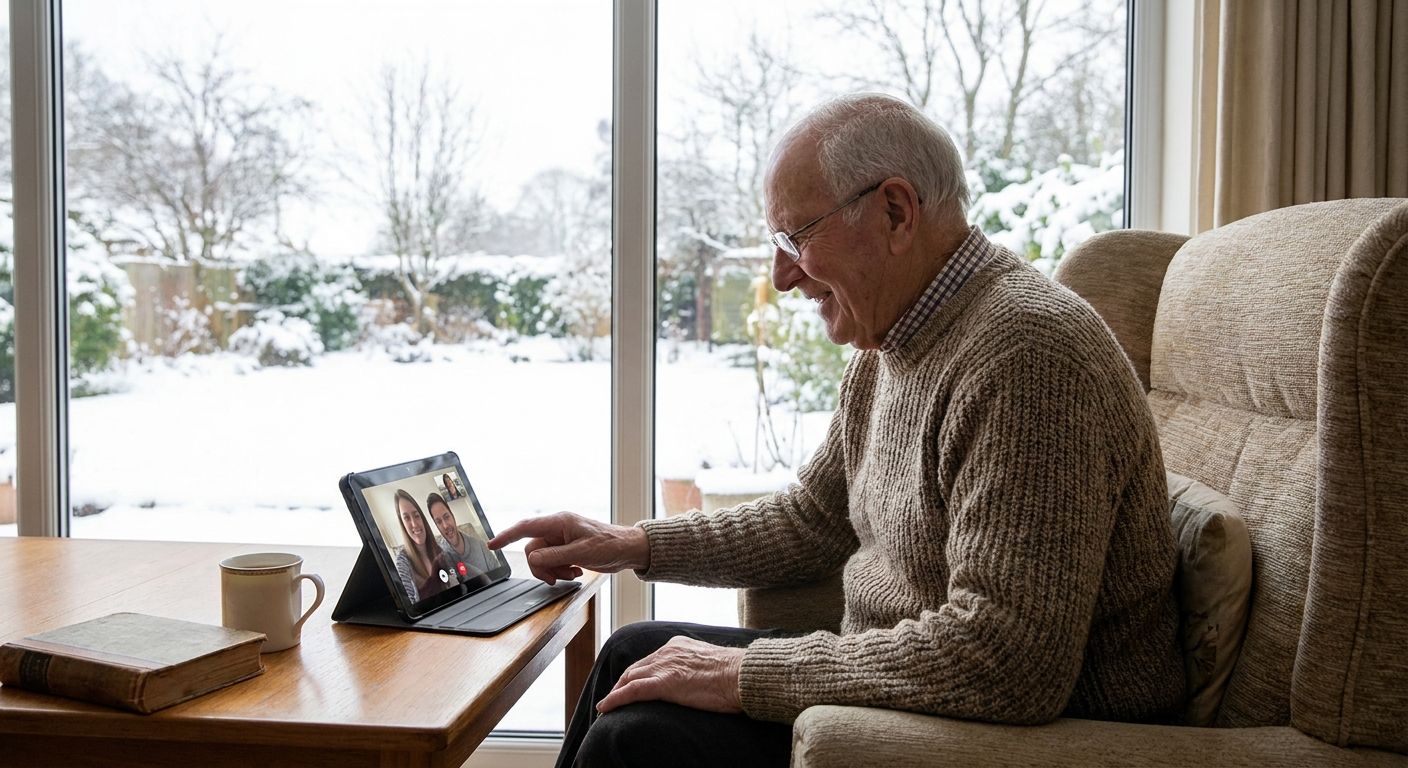
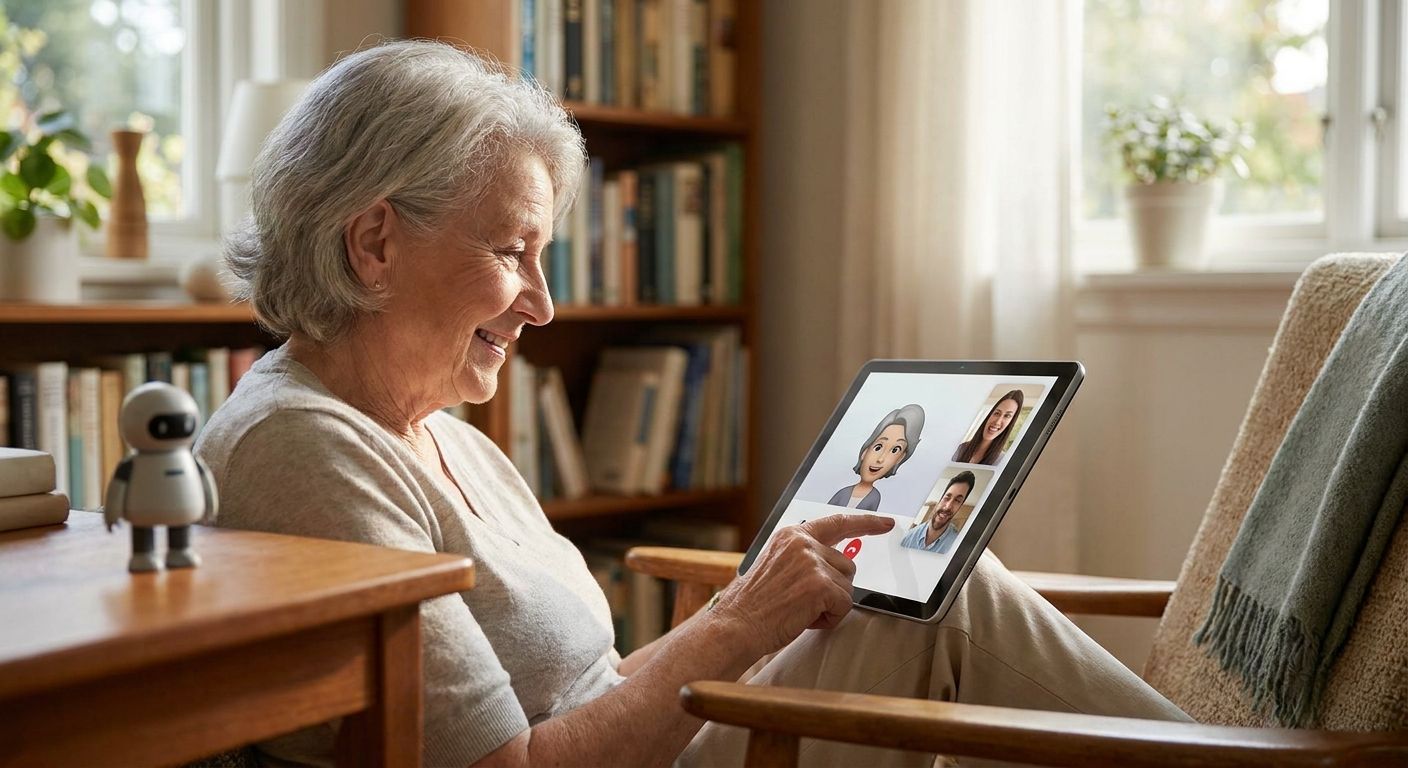
Tablet video calling — the familiar pick. FaceTime or Zoom on a tablet mimics an in-person visit better than voice alone, and many families already know how it works. The catch is upkeep: app updates, Wi-Fi drops, and forgotten passwords all become someone's job to fix remotely, usually at the worst moment. For a grandparent with steady tech support nearby, this is a Consider; for one living alone without it, it's a Skip.
Smart speaker with a screen — the halfway pick. Devices like screen-equipped smart speakers add some visual connection on top of voice commands, but most still require a companion smartphone app for setup and often need a paired phone in the house to unlock full features. That's an extra layer of tech dependency for someone the household is trying to simplify life for, not complicate. Consider, with caveats.
Weekly scheduled phone calls — the baseline pick. A standing Sunday call is better than nothing, and it's what most families already do. But a once-a-week touchpoint doesn't address daily loneliness, and it puts the entire burden of "staying connected" on one call that can get rescheduled, shortened, or skipped. If the goal is genuine daily connection rather than a check-in, this is a Skip as a standalone plan.
Bring Ato Into Their Day
Screen-free voice companion, $179 — plug in and talk, no app required.
What to avoid
- "Senior-friendly" devices that still need an app download. If the box says senior-friendly but the setup guide mentions an App Store, it's not actually screen-free or app-free — it's a regular device with bigger buttons.
- Speakers that require a paired smartphone in the house. If the grandparent doesn't have a smartphone, or their phone is old and battery-worn, the device becomes unreliable exactly when it's needed most.
- Any subscription the grandparent has to manage themselves. Renewal emails and payment updates are exactly the kind of tech friction this whole category is supposed to remove, not add.
Verdict comparison
| Option | Screen | Setup effort | Reaches family | 2026 Verdict |
|---|---|---|---|---|
| Ato | None | Minutes, plug-in | Yes | Buy |
| Tablet video calls | Yes | App, Wi-Fi, updates | Only during calls | Consider / Skip |
| Smart speaker w/ screen | Yes | App + phone pairing | Partial | Consider |
| Weekly phone calls | N/A | None | Once a week | Skip as standalone |
FAQ
What's the best AI companion for grandparents who live far away in 2026?
Ato is the strongest pick in 2026 for grandparents living far from family because it's screen-free and voice-first — no app or password stands between the grandparent and a conversation. It's built specifically for older adults managing loneliness and reminders without a caregiver nearby.
Is Ato better than a tablet for elderly parents?
For a parent uncomfortable with screens or apps, yes — Ato removes the interface entirely and works through voice alone. A tablet still requires app updates, Wi-Fi troubleshooting, and screen navigation that many older adults find frustrating over time.
How much does Ato cost?
Ato is priced at $179. There's no screen or app to maintain, which is part of what keeps the ongoing tech burden low for both the senior and the family.
Does Ato need Wi-Fi or an app to work?
Ato is designed to be plugged in and used through natural conversation, without requiring the older adult to install or operate an app. This removes the setup friction that trips up screen-based alternatives.
Can family members know if a grandparent hasn't talked to anyone?
Peace of mind for family is a core part of what a voice-first companion like Ato is built around, since the whole point is reducing the guesswork long-distance caregivers deal with. Check current product details on the Ato site for specifics on family visibility features.
Is a smart speaker enough for a lonely grandparent?
A basic smart speaker can play music or answer questions, but most still require a paired smartphone and app-based setup, which reintroduces the tech friction families are trying to avoid. It's a middle-ground option, not a complete fix for isolation.
How do I set up a voice companion for a parent who isn't tech-savvy?
With a screen-free, voice-first device like Ato, setup is meant to be as simple as plugging it in — there's no app download or account creation required on the older adult's end. That's the main advantage over tablet or smartphone-based alternatives.
What's the difference between a video call device and a voice companion?
A video call device connects during scheduled calls only and requires both sides to be available and tech-ready at the same time. A voice companion like Ato is available for conversation throughout the day, without scheduling or screen navigation.
One last thing
The families who get the most out of an ai companion for grandparents who live far away aren't the ones chasing the most features — they're the ones who picked the option their parent will actually use without a phone call for help. In 2026, that usually means fewer buttons, not more. A device that just gets plugged in and talked to, like Ato, tends to win not because it does more, but because it asks less of the person who needs it most.