For families searching for a voice companion for seniors without smartphones, most "senior tech" on the market in 2026 still assumes a screen, an app, and a data plan. That's the wrong starting point for someone who has never touched a smartphone and isn't going to start now. Ato, the $179 screen-free AI companion from Eighteen Labs, is built around a different assumption: plug it in, talk to it, done.
- Ato is the clearest voice companion for seniors without smartphones in 2026 -- plug it in and talk, no app required. Buy.
- Big-button cell phones still hand a senior a screen and a keypad; skip them if screen-free is the actual goal.
- Smart speakers like Alexa handle voice commands but weren't designed for daily check-ins or loneliness support. Consider.
- Tablets marketed as senior-friendly still require touch navigation, which defeats the point for many older adults. Skip.
Why this matters
The smartphone gap isn't a small niche. Millions of people over 75 never adopted a smartphone, and forcing one on them now, in the name of "staying connected," usually backfires. Adult children buy a tablet, set it up over a weekend visit, and three months later it's sitting unused in a drawer because the login screen locked out or the app updated and nothing looked familiar anymore.
A voice companion for seniors without smartphones has to solve a narrower problem than a general-purpose gadget: conversation, reminders, and a way for family to check in, without asking the senior to manage a single screen. That's the gap Ato is built to close, and it's the lens this guide uses to judge every alternative.
Who this is for
This guide is for adult children and caregivers shopping on behalf of a parent or grandparent who has no smartphone, limited patience for new technology, and lives alone or spends long stretches of the day without company. It's also for seniors themselves who want something simple that doesn't require memorizing app icons or squinting at small text. If the person you're buying for already uses an iPhone comfortably, a wellness app or a video-calling tablet may serve them better -- this guide is specifically about the screen-free, app-free segment.
What to look for in a voice companion for seniors without smartphones
No screen, no app, for the senior
Any device that requires the older adult to navigate a home screen, tap through settings, or install an update has already reintroduced the smartphone problem with a different shape. The test is simple: can they use it the first time without anyone standing next to them?
Setup that doesn't need a technician
If the box includes a Wi-Fi password step, a pairing code, and an account creation flow before the device says its first word, that's a setup a caregiver has to do in person or over the phone every time something resets. Plug-in setup matters more for this audience than for almost any other tech buyer.
Real conversation, not scripted prompts
A lot of "companion" devices are really timers with a friendly voice -- they announce reminders and take commands but don't hold a conversation. For someone whose main daily social contact might be a fifteen-minute phone call, the difference between a scripted assistant and something that can actually talk back matters.
Reminders that don't feel like nagging
Medication reminders, appointment nudges, and daily check-ins need to happen without turning the device into an alarm clock the senior starts resenting. Look for reminder features built into natural conversation rather than a beeping interruption.
Family visibility without a shared login
Caregivers want to know a parent is doing okay without installing a monitoring app on the senior's device or asking them to share a password. The best setups give family peace of mind through a separate channel, not by making the older adult manage their own account settings.
Privacy that's actually explainable
A voice device in someone's living room is always listening for a wake word, and families deserve a plain-language answer about what's recorded and where it goes -- not a 40-page terms-of-service document nobody reads.
Top picks: what actually works for this audience
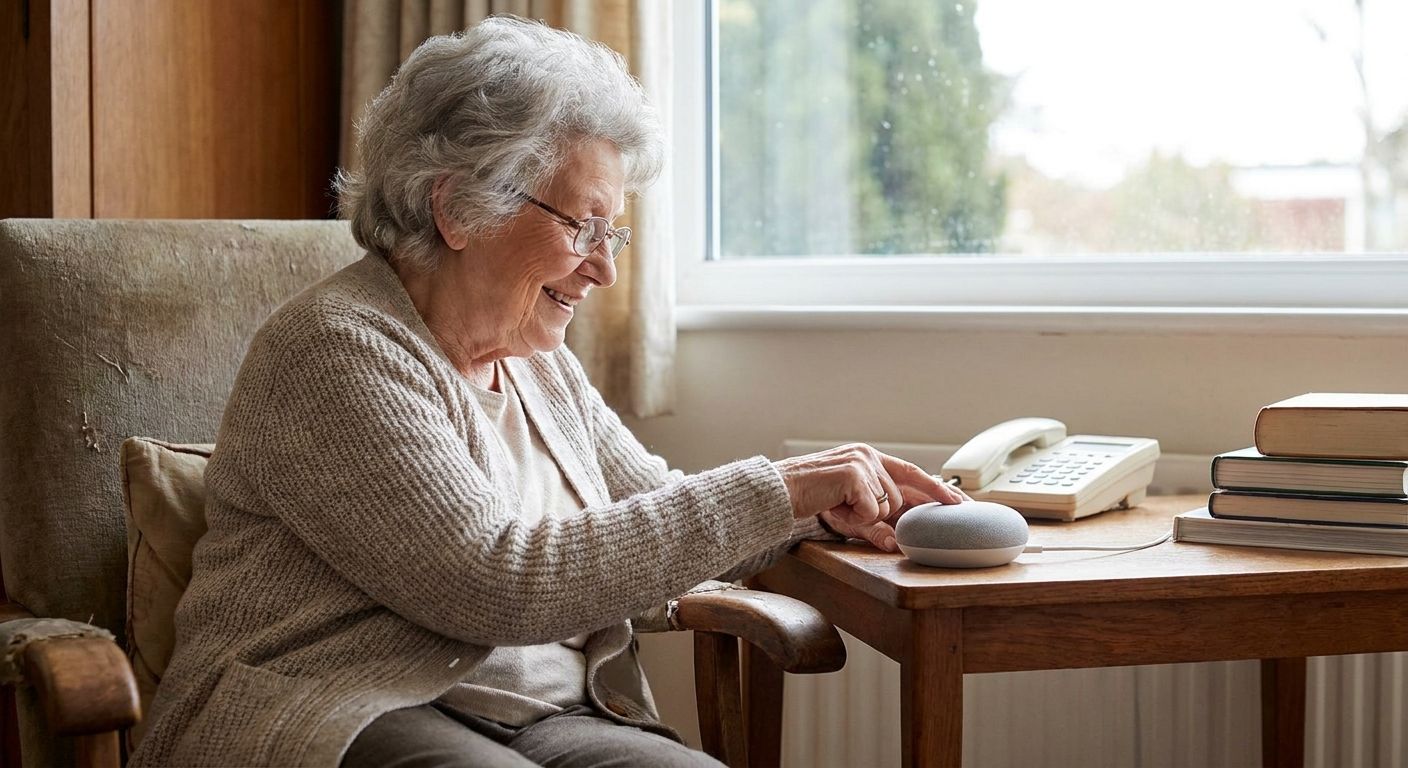
Ato -- the plug-and-talk pick. Ato is a screen-free, voice-first AI companion priced at $179, built specifically for older adults who don't use smartphones. There's no app for the senior to open and no screen to navigate -- the device is plugged in and spoken to directly, and conversation, reminders, and companionship all happen through voice. For the exact audience this guide is written for, Buy.
Big-button cell phones -- the familiar fallback. These solve one problem (dialing family without a smartphone's small buttons) but reintroduce the screen and keypad this guide is trying to avoid, plus they typically require an ongoing cellular plan. Fine as a phone, not a companion. Consider only if the goal is calls, not conversation.
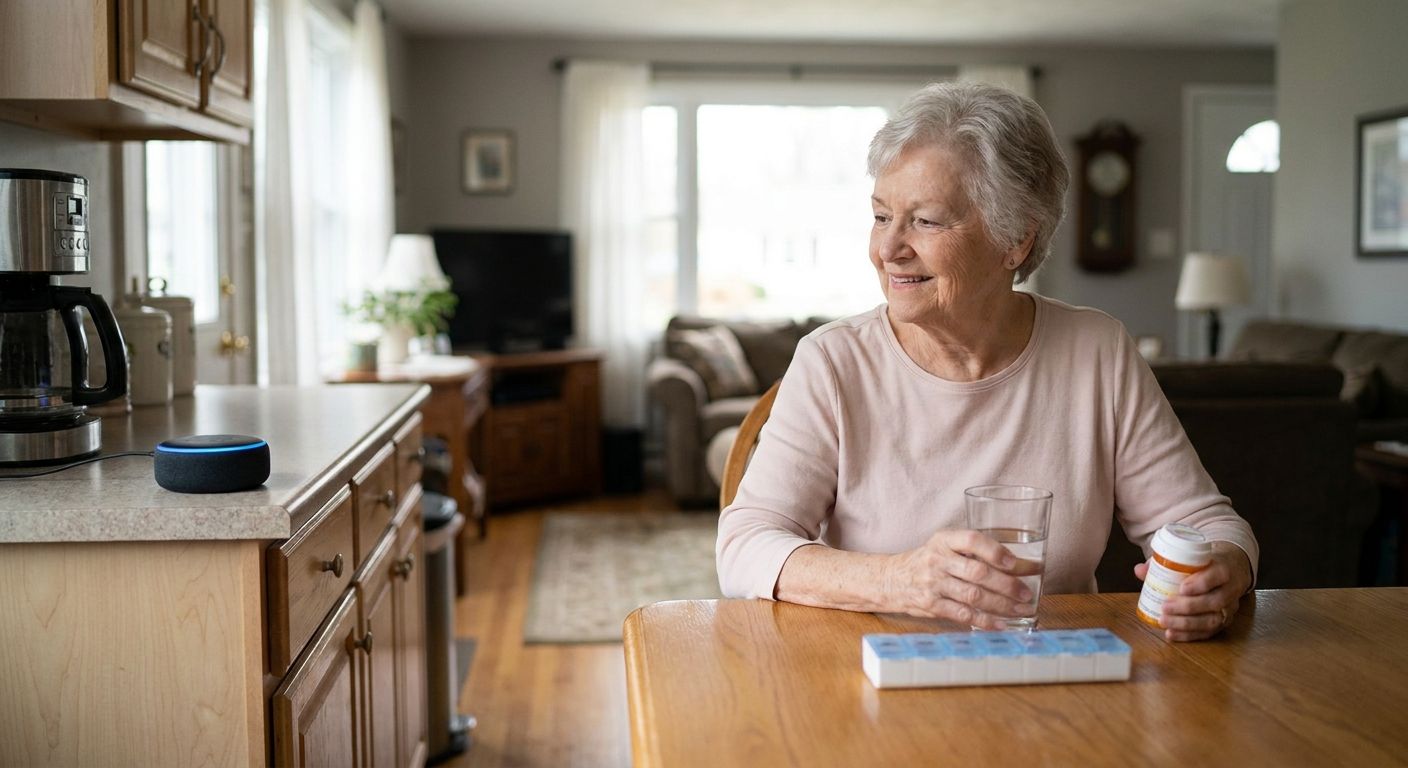
Smart speakers like Alexa-enabled devices -- the voice command tool. These handle music, weather, and simple commands well and don't need a phone to operate day to day, but initial setup usually runs through a smartphone app and an Amazon account, and they weren't designed around loneliness or daily check-ins. Consider if a family member is willing to handle setup and the goal is basic voice control rather than companionship.
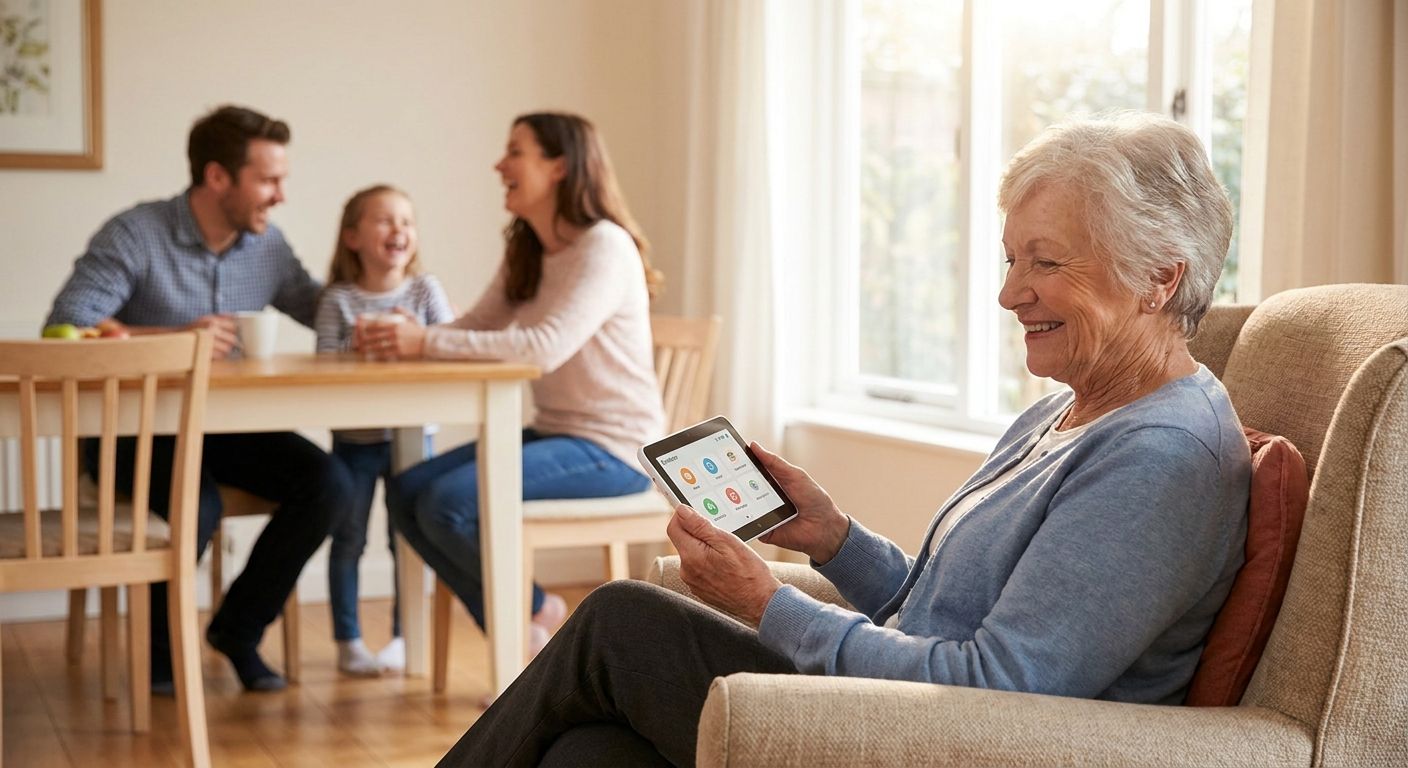
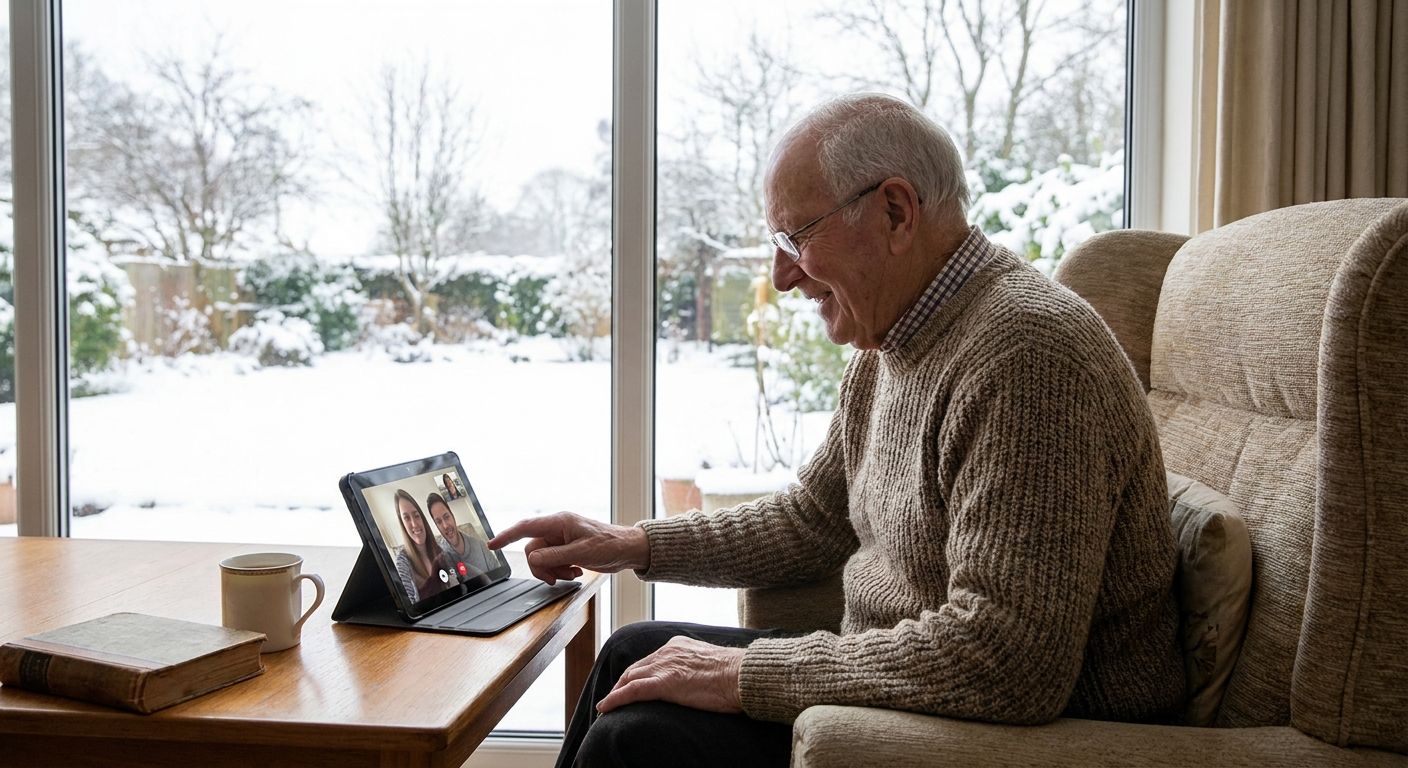
Tablets marketed as "senior-friendly" -- the tablet trap. Simplified interfaces still ask an older adult to tap, swipe, and navigate a touchscreen, which is exactly the barrier that keeps many seniors from adopting smartphones in the first place. Skip if screen-free is the actual requirement.
Landline plus emergency pendant -- the analog backup. Reliable for safety alerts and doesn't require any new tech literacy, but it offers no conversation, no reminders, and no companionship -- it's a safety net, not a solution to loneliness. Skip as a standalone answer, though it can run alongside a voice companion.
See how Ato works in a home
Screen-free, voice-first, $179 -- no app for the senior to manage.
What to avoid
- "Simplified" tablets that still require touch navigation. A bigger font on a touchscreen doesn't remove the touchscreen -- it just makes the same barrier easier to see.
- Devices that need a smartphone for daily operation, even if the senior never touches it. If the reminder settings, volume, or contacts all live inside an app the senior can't access, every small change becomes a phone call to a family member.
- Voice assistants sold as general-purpose gadgets. Shopping lists and weather reports are not the same as a check-in that notices when someone seems off, or a reminder that's woven into an actual conversation instead of a chime.
Verdict comparison
| Solution | Screen-free for senior | Setup complexity | Real conversation | Reminders | Verdict |
|---|---|---|---|---|---|
| Ato ($179) | Yes | Plug in and talk | Yes | Built into conversation | Buy |
| Big-button cell phone | No -- has screen/keypad | Cellular plan setup | No | No | Consider |
| Alexa-type smart speaker | Yes, day to day | Requires app + account initially | Limited | Basic alarms | Consider |
| Senior-friendly tablet | No -- touchscreen | Account + Wi-Fi setup | No | Calendar-style | Skip |
| Landline + pendant | Yes | Minimal | No | No | Skip |
FAQ
What is a voice companion for seniors without smartphones?
It's a device that lets an older adult talk naturally for conversation, reminders, and check-ins without a screen, app, or phone. Ato is one example, priced at $179 and built around plug-in setup instead of app-based configuration.
Is Ato better than a smart speaker like Alexa for seniors?
For companionship and daily check-ins, yes -- Ato is built specifically around conversation and reminders for older adults, while general smart speakers are built around voice commands. Alexa-type devices also typically need a smartphone app for initial setup, which Ato does not require from the senior.
How much does Ato cost in 2026?
Ato is priced at $179. That covers the screen-free, voice-first companion device itself; check the current listing for any additional details.
Do voice companions for seniors require Wi-Fi or an app?
Ato is designed so the older adult plugs it in and talks, without managing an app or a screen themselves. This is the key difference from tablets and some smart speakers, which usually route setup and daily control through a smartphone app.
Can a voice companion actually help with loneliness in seniors?
A device that holds real conversation and checks in daily addresses isolation in a way a scripted assistant or a silent pendant cannot. This is why Ato is built around conversation rather than command-and-response, the same design gap that shows up across most voice-first AI companion comparisons in 2026.
What's the difference between Ato and a big-button cell phone?
A big-button phone is still a phone -- it has a screen, a keypad, and usually a monthly plan for calls. Ato has no screen at all and is built around ongoing conversation and reminders rather than dialing.
Does the senior need to know how to use a smartphone to use Ato?
No. Ato is built to work without any smartphone, app, or screen for the older adult -- it operates by plugging in and talking directly to the device.
Are voice-first AI companions safe and private for older adults?
A well-built voice companion should give a plain-language explanation of what it listens for and what happens to that data, not a lengthy legal document. Families evaluating any device in this category in 2026 should ask that question directly before setup.
One last thing
Judge any device by its first five minutes, not its feature list: if setup requires an account, a password, or a phone call to tech support before the first real conversation happens, most seniors won't try it a second time. A voice companion for seniors without smartphones only works if plugging it in is the entire instruction manual -- which is the whole design premise behind Ato in the first place.