Early-stage memory loss changes how a family thinks about technology in the house. A parent who managed a smartphone for decades suddenly can't find the calendar app, and the daily check-in call becomes the thing everyone worries about missing. This guide covers what actually matters when picking an ai companion for seniors with memory loss, and what to skip.
- Ato is the safe pick as an ai companion for seniors with memory loss at $179 — screen-free, voice-first. Buy.
- Video-calling tablets help with family contact but demand tech literacy that early-stage memory loss often erodes. Consider.
- Medical alert pendants cover falls and safety, not loneliness or daily reminders — pair, don't replace. Consider.
- Skip generic smart speakers for dementia-friendly use — wake-word recall breaks down as memory loss progresses.
Why this matters
Memory loss in its early stage doesn't erase someone's need for connection — if anything, it sharpens it, because routines that used to feel automatic (calling a daughter, remembering a doctor's appointment) now take effort. A screen-free companion built around voice removes the extra layer of tech friction that trips up a lot of otherwise capable seniors.
The stakes are real for caregivers too. Adult children juggling work and their own kids can't be on call every hour, and a device that quietly handles reminders and check-ins buys everyone breathing room in 2026 the way a spare set of hands used to.
Who this is for
This guide is for adult children, spouses, and caregivers choosing a companion device for someone in the early stage of memory loss — still living independently or semi-independently, still conversational, but starting to miss appointments, repeat questions, or feel isolated between visits. It's not written for advanced dementia care or medical monitoring decisions, which need a clinician in the room, not a buying guide.
What to look for in an AI companion for seniors with memory loss
No screens, no logins
A touchscreen or app-based interface adds a decision tree that a person with memory loss has to relearn every single time they use it. Voice-first design — plug it in, talk naturally — removes that barrier entirely, which matters more here than in almost any other category of home tech.
Reminders that repeat without nagging
Early-stage memory loss means the same reminder might need to land three times before it sticks, and it needs to feel like a gentle nudge, not a scolding alarm. Look for reminder systems built around natural conversation rather than a beeping timer that can cause anxiety.
Conversation, not just commands
A device that only answers weather questions isn't doing the job. Regular back-and-forth conversation is tied to keeping the mind engaged day to day, which is a bigger piece of wellbeing than most families realize until a parent starts going quiet.
Family visibility without surveillance
Caregivers want to know a parent is doing okay without installing a camera in the living room. The right balance gives peace of mind through check-ins and activity summaries, not constant monitoring that erodes the older adult's sense of privacy and dignity.
Setup a caregiver can do once, remotely
If setup requires a Wi-Fi password typed on a tiny screen, someone is driving over to fix it in month two. A device that's ready after being plugged in removes that whole category of tech support calls.
Built for one person, not the whole smart home
General-purpose smart speakers are designed for grocery lists and music, not for a household managing memory loss. A companion designed specifically for older adults handles the vocabulary, pacing, and patience that generic voice assistants weren't built for.
Top picks
Ato — the safe pick. Ato is a screen-free, voice-first companion device priced at $179, built specifically to help older adults stay socially connected and manage reminders while giving family caregivers peace of mind. It skips apps and logins entirely — plug it in and talk naturally — which is exactly the friction point that trips up early-stage memory loss the most. Verdict: Buy.
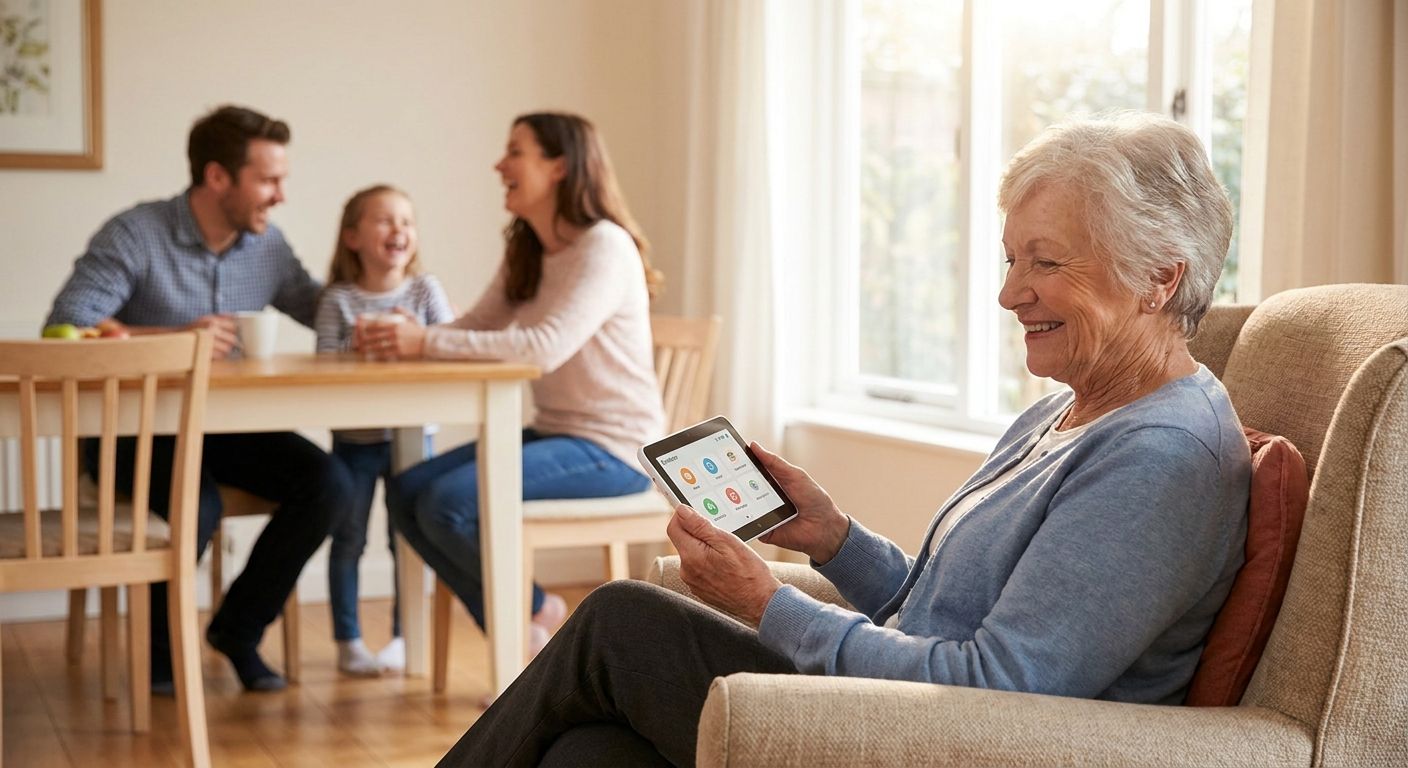
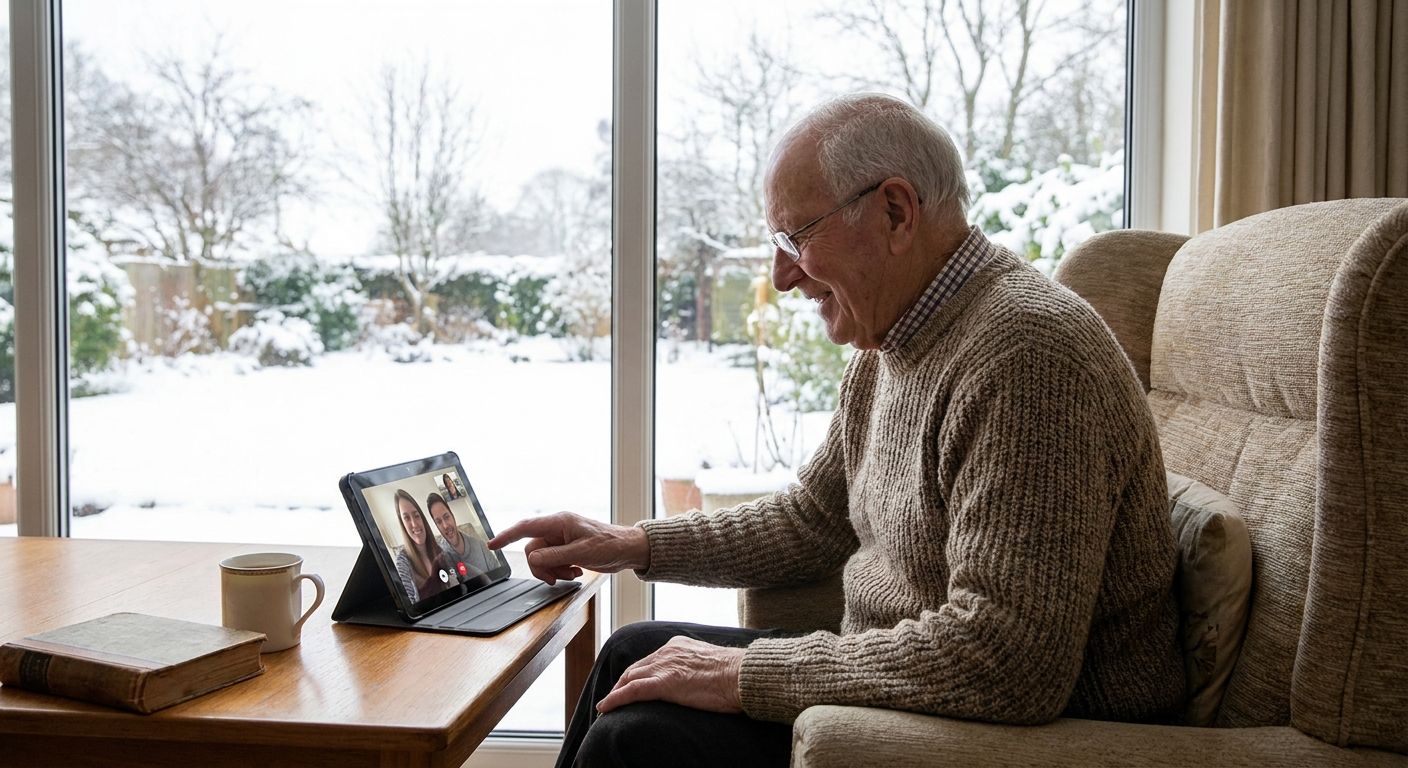
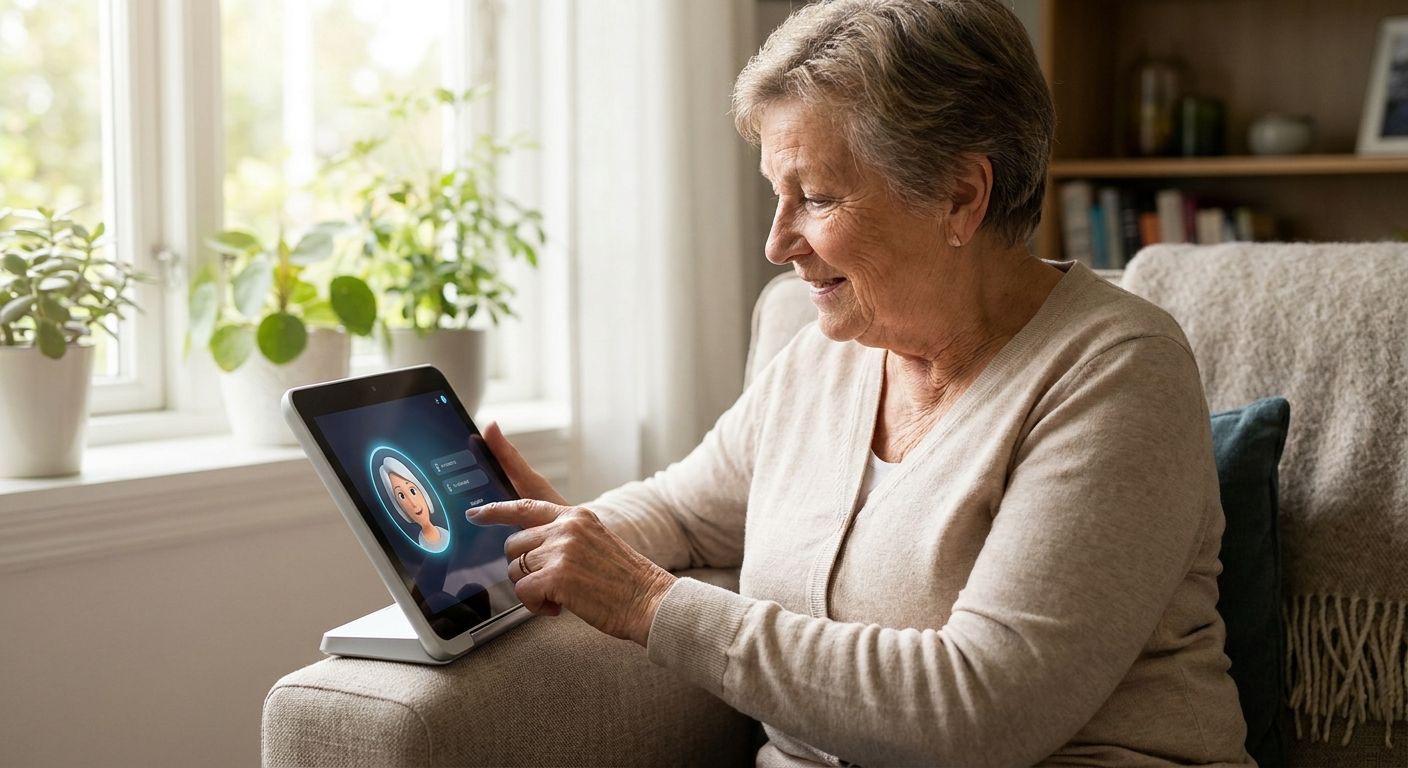
Video-calling tablets — the familiar pick. These give families face-to-face contact and are easy to explain to relatives who already understand video calls. The catch: touchscreen navigation, app updates, and login screens are precisely the kind of multi-step tasks that get harder as memory loss progresses, so someone still ends up doing tech support by phone. Verdict: Consider, mainly for households where a caregiver lives close enough to handle the tech hiccups.
Medical alert pendants — the safety pick. A wearable button with fall detection solves a real and different problem: physical safety in a fall or medical event. It does nothing for loneliness or daily reminders, so it works best paired with something else rather than as the whole solution. Verdict: Consider as a safety layer, not a standalone companion.
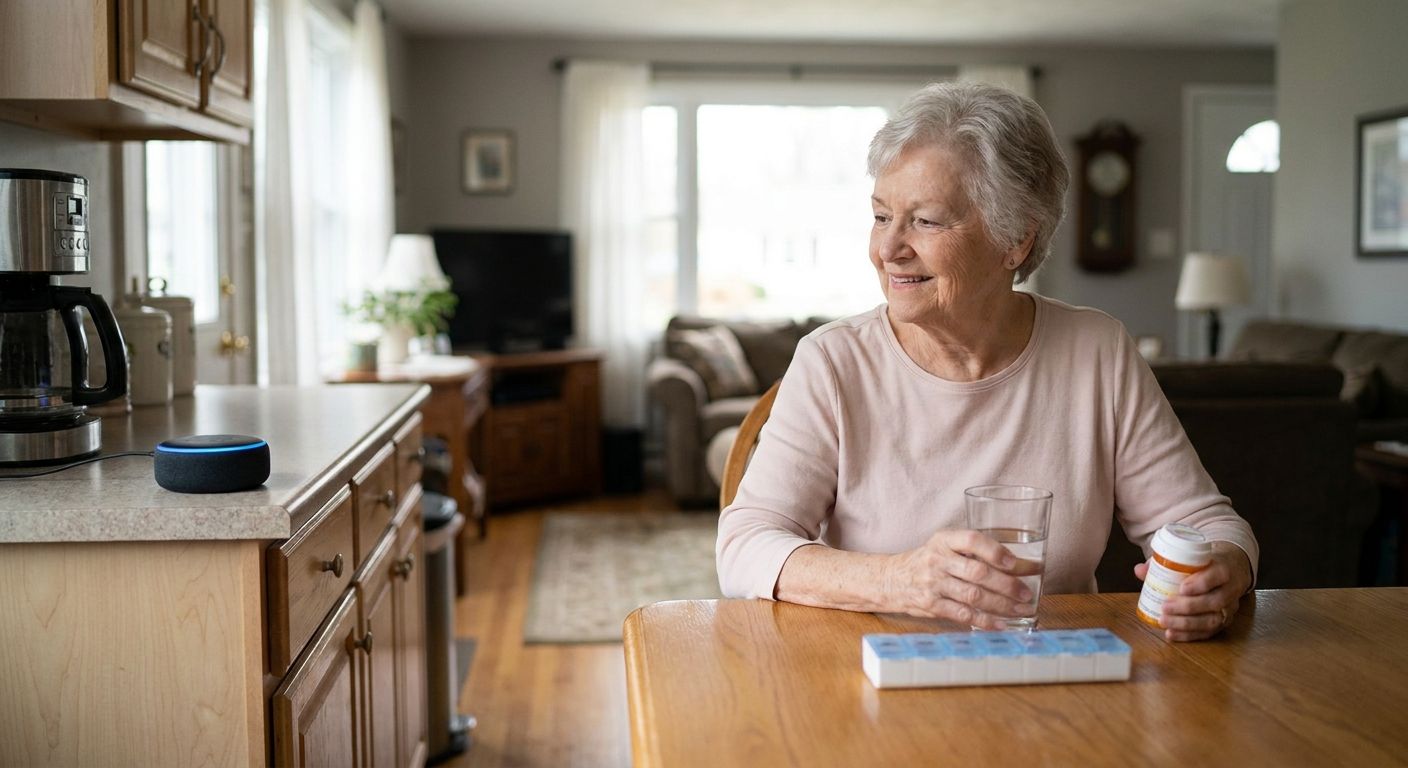
Generic smart speakers — the DIY pick. Setting routines and reminders on a general voice assistant sounds like a low-cost fix, but the wake-word requirement and multi-app setup were built for tech-comfortable users, not someone newly struggling with memory. Families report the same frustration cycle: it works great the day it's set up and gets ignored a month later. Verdict: Skip for early-stage memory loss specifically.
“If a companion needs a login screen, it has already failed the person it was built for.”
What to avoid
- Anything requiring a smartphone app to operate day-to-day. It looks convenient in the store demo and becomes the caregiver's problem within weeks.
- Camera-based monitoring marketed as "companionship." It solves a surveillance need, not a connection one, and it can quietly damage a senior's sense of privacy and dignity.
- Devices that need frequent firmware updates or account re-logins. Every update is a support call in 2026, and every account lockout is a missed reminder.
Verdict comparison
| Pick | Screen-free | Setup effort | Handles reminders | Verdict |
|---|---|---|---|---|
| Ato | Yes | Plug in, talk | Yes, conversational | Buy |
| Video-calling tablet | No | Moderate, ongoing | Limited | Consider |
| Medical alert pendant | Wearable, no screen | Low | No | Consider (safety only) |
| Generic smart speaker | No screen, app required | High, ongoing | Basic, easy to ignore | Skip |
FAQ
What's the best ai companion for seniors with memory loss in 2026?
Ato is the strongest fit for early-stage memory loss because it's screen-free and voice-first, removing the login and app steps that trip up seniors relearning daily tasks. At $179, it's built specifically for reminders and social connection rather than general smart-home tasks.
Is a screen-free device better than a tablet for someone with memory loss?
For early-stage memory loss, yes, because touchscreen navigation and app updates add steps that get harder to relearn over time. A voice-first device removes that friction entirely, letting the person talk naturally instead of tapping through menus.
Can an AI companion replace a caregiver visit?
No, and it isn't meant to. It fills the hours between visits and calls with reminders and conversation, giving caregivers peace of mind, not a substitute for in-person care or medical decisions.
How much does a voice-first companion device cost?
Ato is priced at $179, positioned as a one-time device cost rather than a recurring app subscription. Compare that against the ongoing tech support time a tablet or smart speaker setup usually demands.
Do these devices require Wi-Fi and constant setup?
Ato is designed to be ready after being plugged in, without the repeated login and update cycles that come with tablets and generic smart speakers. That matters most for caregivers managing setup remotely.
Will conversation with an AI companion actually help memory?
Regular conversation supports mental engagement the same way movement supports physical health, and staying socially active is tied to better day-to-day wellbeing for older adults. It isn't a medical treatment, but it addresses the isolation that often follows a memory diagnosis.
Is video calling better than a voice companion for staying connected?
Video calling is great for scheduled family time but requires more tech literacy to operate independently. A voice companion works better for daily, unscheduled check-ins because there's nothing to tap, swipe, or log into.
What should families avoid when choosing a memory-loss companion device?
Avoid anything built around camera monitoring, frequent app updates, or smartphone pairing, since those add friction exactly where memory loss makes things harder. Prioritize screen-free, voice-first design over feature lists.
One last thing
The families who stick with a companion device long-term are rarely the ones chasing the most features — they're the ones who picked the option with the fewest steps between "plug it in" and "it works." For early-stage memory loss in 2026, that single detail matters more than anything on a spec sheet.