Independent living communities sell autonomy, but the quiet apartment at 4pm is where that autonomy turns into isolation. Ato, the screen-free AI companion from Heyato, gives residents someone to talk to and gives the family a way to check in without adding another app to manage.
- Ato is the strongest ai companion for independent living communities when a resident has no smartphone and lives alone.
- At $179, Ato skips subscriptions residents forget to renew and skips screens residents refuse to learn.
- Best fit: widowed residents, non-smartphone users, and post-hospital returns to an IL apartment in 2026.
- Skip it if a resident already relies on a tablet-based care app the community requires for medication logging.
Why this matters
Independent living operators track fall response times and dining participation, but loneliness rarely shows up on a dashboard until a resident stops leaving their apartment. Family members calling a community in 2026 ask two questions on repeat: is my parent talking to anyone, and did they take their pills. A voice-first AI companion answers both without requiring the resident to learn a new device or download anything.
Ato sits on a counter or nightstand, plugs in, and starts a conversation the moment someone speaks to it. No login screen, no app store, no PIN code to forget. That matters more in an IL setting than almost anywhere else, because residents here are managing their own routines with less staff oversight than assisted living, and the gap between "living independently" and "living alone and unheard from" can be a single missed phone call.
Who this is for
This guide is for adult children, care coordinators, and independent living staff evaluating an Ato style AI companion for a resident who values privacy, doesn't want new technology to fuss with, and needs gentle daily structure more than medical monitoring. It's also for community activity directors looking for a low-lift way to keep isolated residents engaged between scheduled programming.
If the resident already has a smartphone, uses it comfortably, and just needs reminders, a simpler calendar app might do the job. This guide is for the resident who won't touch a phone, or whose family has already tried one and watched it sit in a drawer.
What to look for in an AI companion for independent living residents
Screen-free by design, not as an afterthought
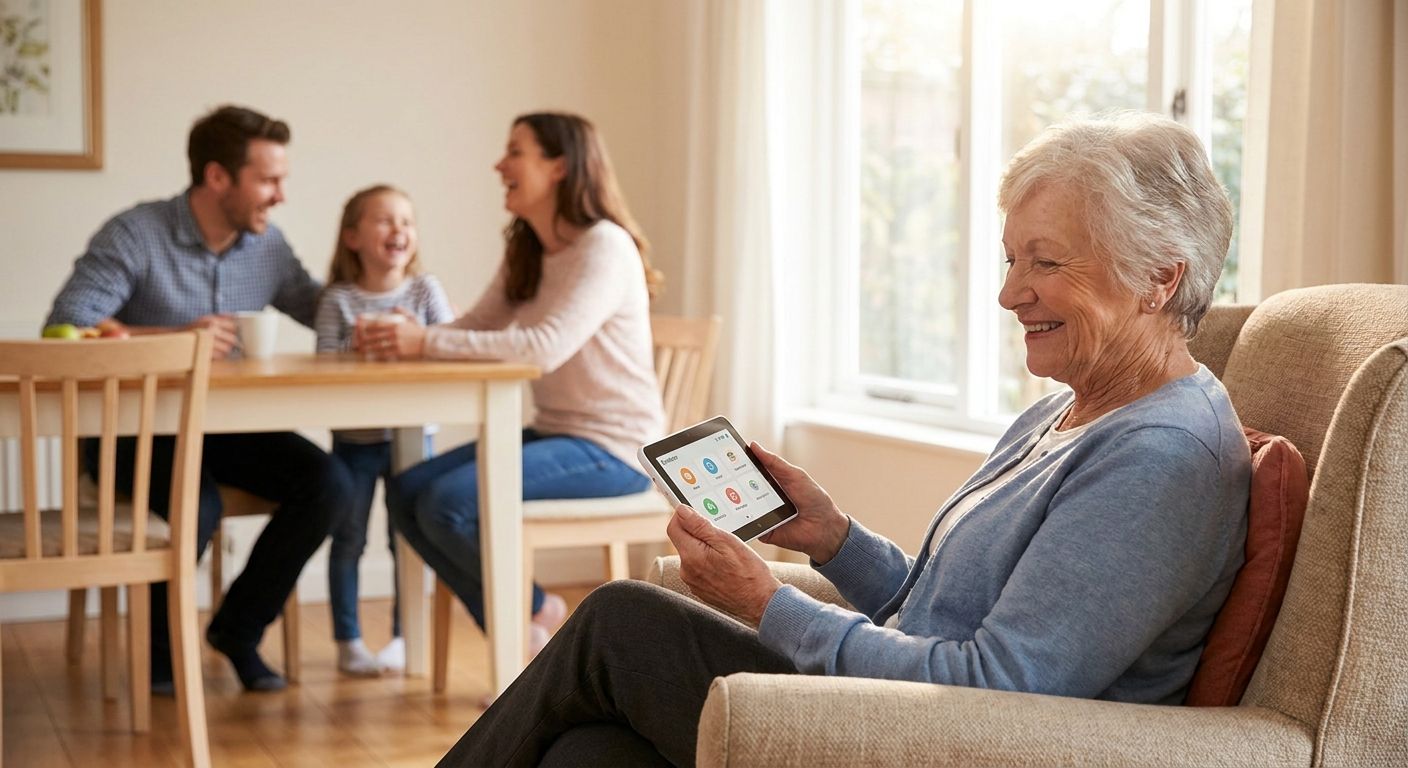
A tablet with a "simple mode" is still a tablet. Residents in independent living who struggle with smartphones usually struggle with screens generally — small text, menus, notification badges that mean nothing to them. A device built screen-free from the start, like Ato, removes that entire category of friction instead of hiding it behind a simplified interface.
No app, no account setup for the resident
The resident should never need to remember a password. Family members can handle setup remotely, but day-to-day use has to be "plug it in and talk naturally" — anything more and adoption drops within the first week, especially for residents managing early hearing or vision changes.
Built-in reminders that don't require a caregiver to be present
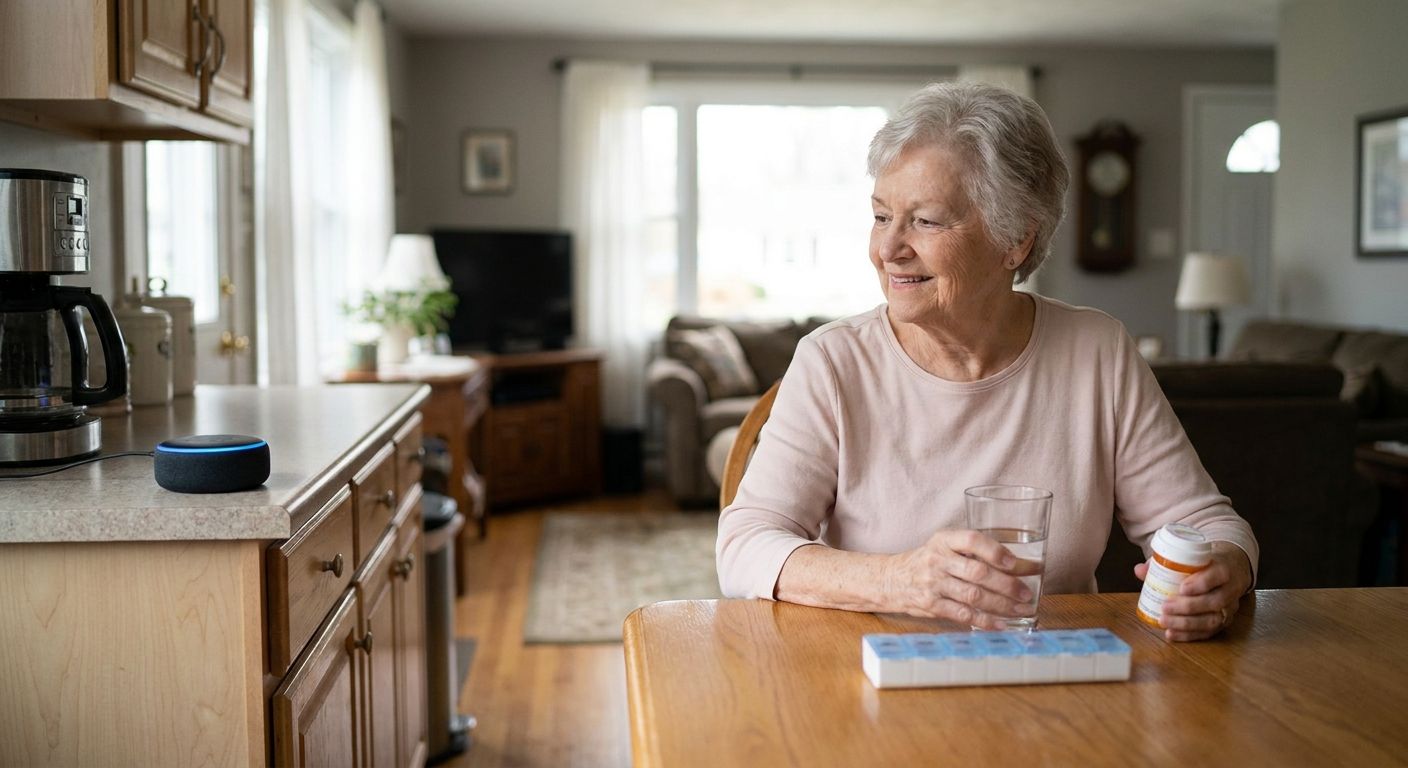
Medication timing, meal schedules, and activity calls are the daily structure that keeps independent living independent. A companion that speaks reminders out loud at set times replaces the phone call a family member can't always make.
Family visibility without surveillance
Caregivers want to know a parent is doing okay. Residents want to keep their dignity and their privacy. The right device gives peace of mind to family without turning the apartment into something that feels monitored — conversation-based check-ins, not cameras.
Fits a shared or communal living environment
Independent living apartments are often smaller, sometimes with thin walls or a roommate. A device that responds to natural speech at a normal volume, without a wake-word shouting match, fits that environment better than hardware built for a single-family home.
Top picks by resident profile
One device, several very different residents. Here's how Ato holds up against the situations that come up most often inside an independent living community in 2026.
The daily lifeline — widowed residents living alone
The hook: most conversation in a widowed resident's day used to come from a spouse, and that gap doesn't get filled by a bingo schedule. The number that matters: it takes one plugged-in device and zero setup steps for the resident to start a conversation on day one. Ato works as a standing presence in the apartment, ready to talk without the resident remembering to open anything. For this profile, it's a Buy — read the full breakdown in Ato's guide for widowed seniors living alone.
The no-smartphone household
The hook: the resident who never owned a smartphone is the one every care coordinator worries about missing calls, missed reminders, missed check-ins. The number that matters: zero apps required and zero screens to navigate — voice in, voice out. Ato was built for exactly this resident, and the fit is close to perfect. Verdict: Buy. See the specifics in the guide for seniors who don't use smartphones.
The post-hospital return
The hook: a resident coming back to their IL apartment after a hospital stay needs more structure for a few weeks than they usually do — medication timing, follow-up reminders, someone checking that they ate. The number that matters: the transition window after discharge is when missed medication doses cause the most repeat hospital visits, and voice reminders at set times close that gap better than a paper printout taped to the fridge. This is a Consider rather than an automatic Buy — coordinate setup with family or staff first so reminder timing matches the discharge plan. Details are in the guide for seniors recovering from hospital stays.
What to avoid
- Tablet-based "senior friendly" apps. They still require a login, a charging routine the resident has to remember, and a screen — the exact friction points that make adoption fail in independent living.
- General-purpose smart speakers. They're built for asking about the weather, not for structured daily reminders or genuine conversation, and most require an account and a phone during setup that the resident will never touch again.
- Anything that requires the resident to "check in" through an app. If the check-in depends on the resident remembering a step, it will lapse within a month. The device should do the reaching out, not the other way around.
"If a resident needs three taps to say hello to a grandchild, the technology already failed them."
“If a resident needs three taps to say hello to a grandchild, the technology already failed them.”
Verdict comparison by resident profile
| Resident profile | Main need | Ato fit | Verdict |
|---|---|---|---|
| Widowed, living alone | Daily conversation | Strong — always-on, no setup | Buy |
| No smartphone | Zero-app access | Strong — voice-first, screen-free | Buy |
| Post-hospital return | Reminder structure | Good — needs family setup coordination | Consider |
| Early-stage memory loss | Gentle daily prompts | Depends on stage — see dedicated guide | Consider |
| Already using a care app | Duplicate reminder system | Weak — redundant with existing tool | Skip |
FAQ
What is the best AI companion for independent living communities in 2026?
Ato is the strongest fit for residents who don't use a smartphone or want a screen-free option, since it works through voice alone with no app or login required. It costs $179 and doesn't require the resident to change any existing routine to start using it.
Is an AI companion better than a smart speaker for seniors?
For seniors who struggle with apps or accounts, yes — a purpose-built AI companion like Ato skips the account setup a general smart speaker requires. Smart speakers are built for quick queries, not sustained conversation or daily reminder structure.
How much does Ato cost?
Ato is priced at $179. It's a screen-free, voice-first device, so there's no separate app purchase or device pairing step needed on the resident's end.
Do residents need a smartphone to use Ato?
No. Ato is built specifically for residents who don't use a smartphone, and it operates entirely through spoken conversation once it's plugged in.
Can family members get updates without the resident feeling watched?
Ato is designed around conversation-based check-ins rather than cameras or tracking, so families get peace of mind without turning the apartment into a monitored space.
Is Ato appropriate for a resident with early-stage memory loss?
It can be, depending on the stage and the resident's daily needs — the dedicated guide on Ato for seniors with early-stage memory loss covers what to check before setup.
What happens after a resident is discharged from the hospital?
Reminder timing should be coordinated with the discharge plan so medication and follow-up prompts land at the right times; family or community staff can set this up in advance.
Does an independent living community need to install anything?
No installation beyond plugging the device in is required — Ato works from a standard outlet in the resident's own apartment.
One last thing
The residents who resist an AI companion the hardest are usually the ones who need conversation the most — not because the technology confuses them, but because loneliness has made them defensive about needing help at all. Framing Ato as a way to "stay in touch" rather than a monitoring tool changes adoption more than any feature does.