A fall sends the whole family scrambling for answers, and "aging in place technology after a fall" becomes a search you didn't expect to make at 11 p.m. from a hospital parking lot. Here's what actually helps in 2026, what to skip, and where a voice-first companion like Ato fits next to a medical alert pendant.
- Pair a fall-detection pendant with a voice-first companion for full coverage - the pendant calls for help, Ato handles daily connection.
- Ato ($179) is Buy-rated for reducing isolation after a fall, but it doesn't replace a fall-detection pendant.
- Camera-based home monitoring looks thorough but erodes dignity fast - Skip unless a doctor specifically recommends it.
- Smartwatches with fall detection are Consider-only if the senior already wears one daily - don't add a new device mid-recovery.
- Video-calling tablets are a Wait until grip strength and screen confidence return after the fall.
Why this matters
The CDC reports that roughly 1 in 4 adults 65 and older falls every year, and about 1 in 5 of those falls causes a serious injury like a fracture or head injury. Once a fall happens, the family conversation shifts fast - from "is Mom okay living alone" to "what do we put in place before she goes home."
In 2026, that decision doesn't have to mean a nursing facility or a house full of cameras. It means picking a small stack of technology that covers two separate jobs: calling for help when something goes wrong, and keeping the person connected and steady on the days nothing goes wrong at all. Most families only plan for the first job, then get blindsided a few weeks later when isolation quietly becomes the bigger problem.
Who this is for
This guide is for the adult child, sibling, or spouse who just got the call - a parent fell in the bathroom, on the stairs, or getting out of bed, and now someone has to decide what changes before they're home again. You're probably not local, you're juggling this alongside a job and maybe your own kids, and you want something that works without teaching a 78-year-old a new app during recovery.
Ato was built for exactly this window: no screen, no login, just a device that talks back. It won't replace the medical side of the decision, but it fills the gap most fall-response plans leave open - the ordinary Tuesday afternoon when nobody's called and nothing's wrong, but the house is quiet in a way it wasn't before.
What to look for in aging in place technology after a fall
Works without a smartphone or app
Grip strength, vision, and confidence all take a hit after a fall, and a touchscreen interface is the last thing a recovering senior wants to fight with. Anything that requires downloading an app, remembering a password, or tapping small icons adds friction exactly when patience is lowest and the stakes for frustration are highest.
Genuine fall response, not just a notification
A device that sends a phone alert nobody checks isn't a safety net - it's a false sense of security. Look for systems built around actual dispatch: a button press or automatic detection that connects to a live person, not just a push notification sitting unread in a caregiver's inbox while everyone assumes someone else saw it.
Reduces isolation, not just risk
Falls don't just cause physical injury - they trigger a fear of falling again that keeps many older adults from leaving the house or answering the door, which quietly increases isolation over the following months. Technology that only watches for the next emergency misses the loneliness building in between emergencies, and that loneliness has its own health cost.
Simple setup a caregiver can do remotely
If you live an hour away or across the country, you need something you can set up over the phone, not something that requires you to fly in and configure a router. This matters even more for families juggling care from a distance, where the person who chose the device isn't in the house to troubleshoot it later.
Built for daily use, not just emergencies
The best technology for aging in place after a fall earns its place on the kitchen counter every single day, not just during the one moment it's actually needed. A device only useful in an emergency tends to get unplugged, forgotten in a drawer, or quietly resented as a reminder of what happened.
Respects dignity
Constant video surveillance or tracking every movement in the house feels like being watched, not cared for, and most seniors notice the difference immediately. The goal is independence with a safety layer underneath it, not a system that makes someone feel like a patient inside their own home.
Top picks for aging in place technology after a fall
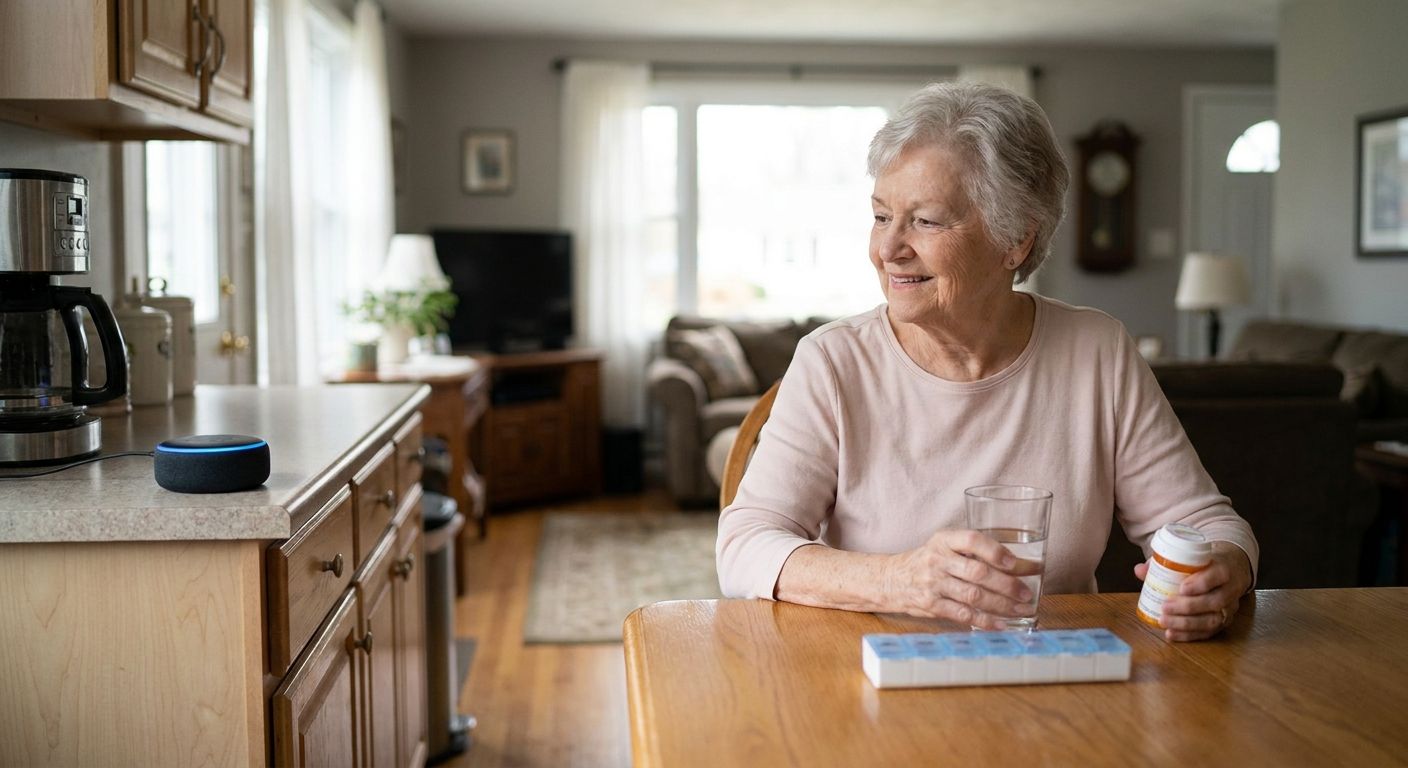
Voice-first AI companion - the daily check-in that doesn't feel like a wellness call. Ato plugs in and runs on voice only, at $179, with no screen, no app, and no password to forget mid-recovery. It handles reminders, casual conversation, and the kind of daily contact that keeps isolation from setting in during the weeks after a fall - exactly the window covered by technology built for seniors recovering from hospital stays. Verdict: Buy, as the connection layer sitting next to a fall-detection device, not instead of one.
Medical alert pendant with auto fall detection - the classic safety net, still worth wearing. These have been the backbone of aging-in-place safety for decades: a button or wearable that detects a hard fall and connects to a live dispatcher within moments. They don't do anything for loneliness on an ordinary Tuesday, but they remain the fastest path to help when something actually goes wrong. Verdict: Buy, as the non-negotiable baseline layer for anyone returning home after a fall.
Passive home sensors - the system that notices when the bathroom light stays on too long. Motion and door sensors track deviations from a normal routine and flag a caregiver when something looks off, without a camera in the room. Useful for someone living fully alone with no daily check-in, but it's a background layer, not a conversation, and it tells you something's wrong after the fact rather than preventing it. Verdict: Consider for solo households; Skip if a companion or family member already checks in daily.
Smartwatch with fall detection - the option some families already own. Fall detection is now a standard feature on several mainstream smartwatches, and it works well for someone who already wears one every day and is used to charging it. Introducing a brand-new watch during recovery, though, adds one more thing to learn while healing, right when learning curves should be near zero. Verdict: Consider only if the senior already wears a watch daily; Skip as a first purchase right after a fall.
Video-calling tablet - the face-to-face option that assumes steady hands. Seeing a grandchild's face matters, but tablets demand fine motor control and screen confidence that a recent fall often takes away, sometimes for weeks. For seniors who never used a smartphone to begin with, a voice-first option built around no screens at all closes that gap without asking anyone to learn a new skill during recovery - see the voice-first companion built for seniors who don't use smartphones. Verdict: Wait until grip strength and confidence return before adding a screen to the mix.
What to avoid
- Full camera-based home monitoring. It looks thorough on paper, but it doesn't call for help by itself, and it turns a home into something that feels supervised instead of lived in - most seniors resist it within days.
- Multi-app smart home hubs. If the senior has to manage settings, pair devices, or remember which app controls what, the whole system gets abandoned within a few weeks of setup.
- Long-term contracts signed in crisis mode. The first week after a fall is the worst possible time to lock into a multi-year monitoring contract before anyone knows what actually gets used day to day.
How the options compare in 2026
| Technology | Needs a smartphone? | Calls for help automatically? | Reduces isolation? | Verdict |
|---|---|---|---|---|
| Ato voice-first companion | No | No | Yes | Buy |
| Medical alert pendant | No | Yes | No | Buy |
| Passive home sensors | Sometimes | No | No | Consider |
| Smartwatch with fall detection | Often | Yes | No | Consider |
| Video-calling tablet | Yes | No | Some | Wait |
No single row in that table covers both jobs on its own - matching a pendant with a companion device is what actually closes the gap between emergency response and everyday connection in 2026.
Add daily connection after a fall
Ato is a $179 screen-free companion for reminders and conversation.
FAQ
What's the best aging in place technology after a fall?
The best setup pairs a medical alert pendant with auto fall detection for emergency response and a voice-first companion like Ato for daily connection and reminders. Neither one alone covers both jobs - the pendant calls for help, the companion keeps the days in between from feeling isolated.
Does Ato detect falls?
No, Ato is not a fall-detection device - it's a screen-free, voice-first companion focused on conversation, reminders, and reducing isolation. Pair it with a dedicated medical alert pendant if automatic fall detection and emergency dispatch are the priority.
Is a medical alert pendant better than a smartwatch for seniors after a fall?
A pendant is usually the safer first choice right after a fall because it's purpose-built for one job and doesn't require learning a new device mid-recovery. A smartwatch works fine if the senior already wears one daily and is comfortable with it.
How much does aging in place technology cost in 2026?
Costs vary widely by category - a voice-first companion like Ato runs $179, while medical alert pendants and home sensor systems often add an ongoing monthly monitoring fee. Compare the one-time cost against any recurring fee before choosing a stack.
Can technology replace in-home care after a fall?
No - technology reduces risk and isolation, but it doesn't replace hands-on help with bathing, meals, or physical therapy during recovery. It works best as a layer alongside caregiving, not a substitute for it.
What technology works for seniors who don't use smartphones?
Voice-first devices that need no app, login, or screen are the easiest fit - the senior just talks to the device the way they'd talk to a person. This matters most in the weeks right after a fall, when learning new technology is the last thing anyone wants to do.
How soon after a fall should a family set up new technology?
Set up the emergency layer - a pendant or alert system - before the senior returns home from the hospital or ER. Add a daily companion device in the first week home, once the immediate crisis has settled but isolation risk is still high.
Do falls really increase loneliness in older adults?
Yes - fear of falling again is a well-documented pattern that keeps many seniors from leaving the house or staying socially active, which quietly increases isolation over time. Addressing that requires daily connection, not just emergency response technology.
One last thing
Most families buy the pendant the week of the fall and forget the loneliness piece entirely - it usually shows up six to eight weeks later, once the crisis has passed and the daily quiet sets in. That's the window where a voice-first companion earns its keep in 2026, long after the emergency alert stopped feeling urgent and everyone's gone back to their own routines.